
Photos
Updated Reading time: 1 min
On this page
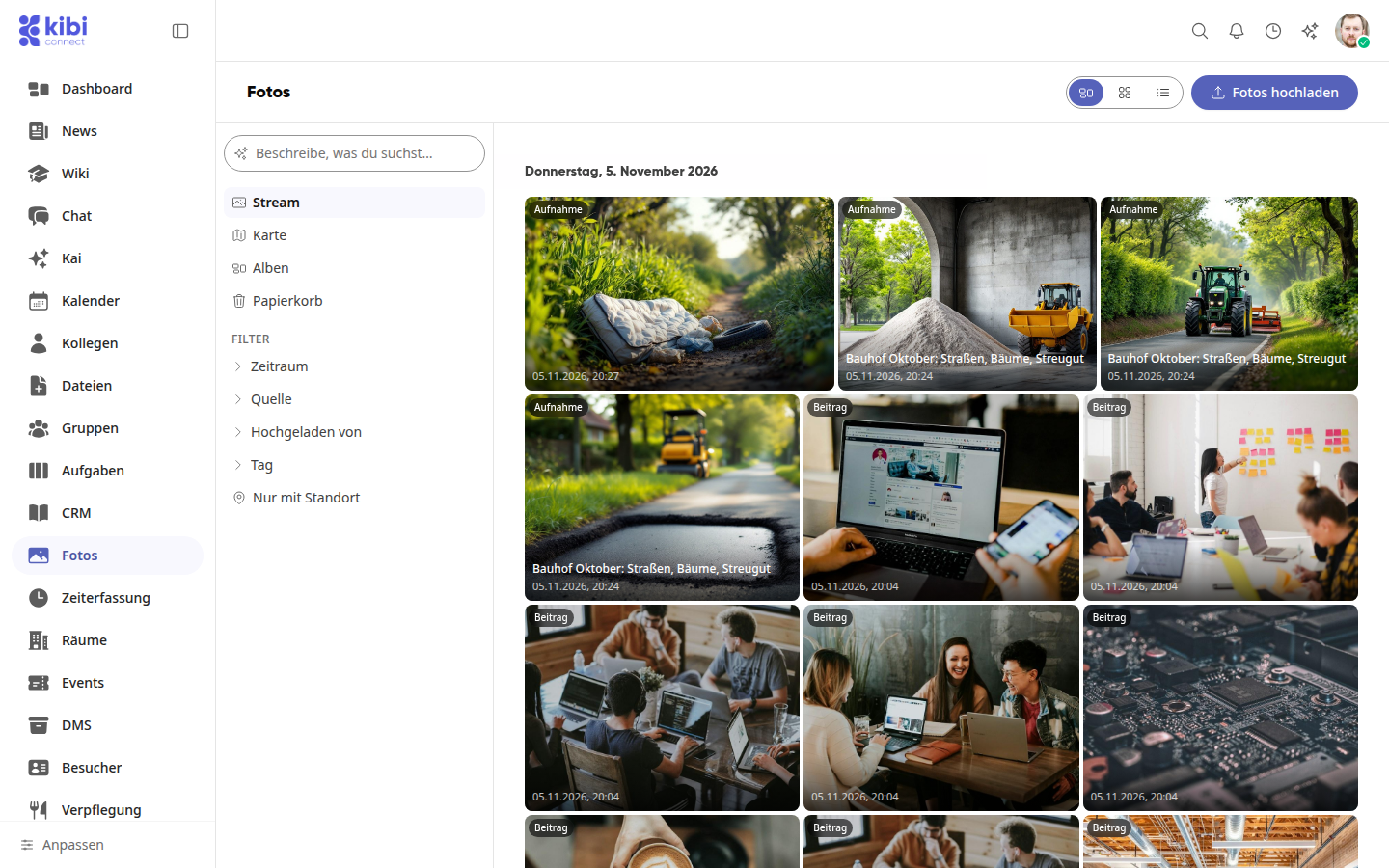
In the Photos module, you will find all images in one place that are created in your areas: in posts, chats, tasks, in the wiki, or as your own recordings. You can search for them in the Stream by date, on the Map by location, or in Albums that you create yourself and share with colleagues. Using the search field, you can describe what is visible in a photo. Deleted photos remain in the Trash for 30 days. The module is available to all employees.
Photos in the Desktop App#
In the Kibi Connect desktop app, you will find the Photos folder in the Finder (macOS) or Explorer (Windows), containing all albums that you are allowed to open in Kibi Connect. The albums are read-only there; with a right-click and "Open in Kibi Connect," you can jump directly to the album or the photo. Details: Photos and personnel files in the Desktop App.
Instructions#
Photos
- How do I create a photo album and upload photos? In the Photos module, you collect images in your own albums, for example all photos from a summer party or a construction site. You can upload new photos dir…
- How do I restore deleted photos from the Recycle Bin? Photos you delete are not immediately gone: they remain in the Recycle Bin for 30 days. During this time, you can restore them with one click or delete them…