Information gets lost between office and job site
Between project management, site teams and vehicles, employees often miss exactly the information they need on site.

Office and job site — one platform.
Reaches everyone — including the 40%+ without a PC.
Replaces 10 tools. Made in Germany.






Your contacts at Kibi
Christofer, Maria and Verena advise you personally, run demos and webinars, and guide you through the rollout.
Pick a time that fits your schedule and we'll walk you through Kibi Connect personally — no strings attached.
Typical Challenges
Because office and site run several channels in parallel — WhatsApp, calls, voice notes — and nothing ends up structured inside the project itself.
These are recurring issues we see in conversations with teams from Project-Based Trades. This is exactly where Kibi Connect helps.
Between project management, site teams and vehicles, employees often miss exactly the information they need on site.
Photos, questions and documents are shared via improvised channels and are hard to find later.
Teams jump between chats, folders, calls and paper notes instead of working inside the project flow.
Open issues, responsible people and project status are difficult to follow in daily work.
We can walk through your current process together and show which setup fits your teams.
How Kibi Connect Supports You
With project groups, shared plans, tasks and defect reports right inside the project context — from measurement to handover, all documented in one place.
Not a generic intranet solution, but features that operational teams actually use and that move day-to-day work forward.

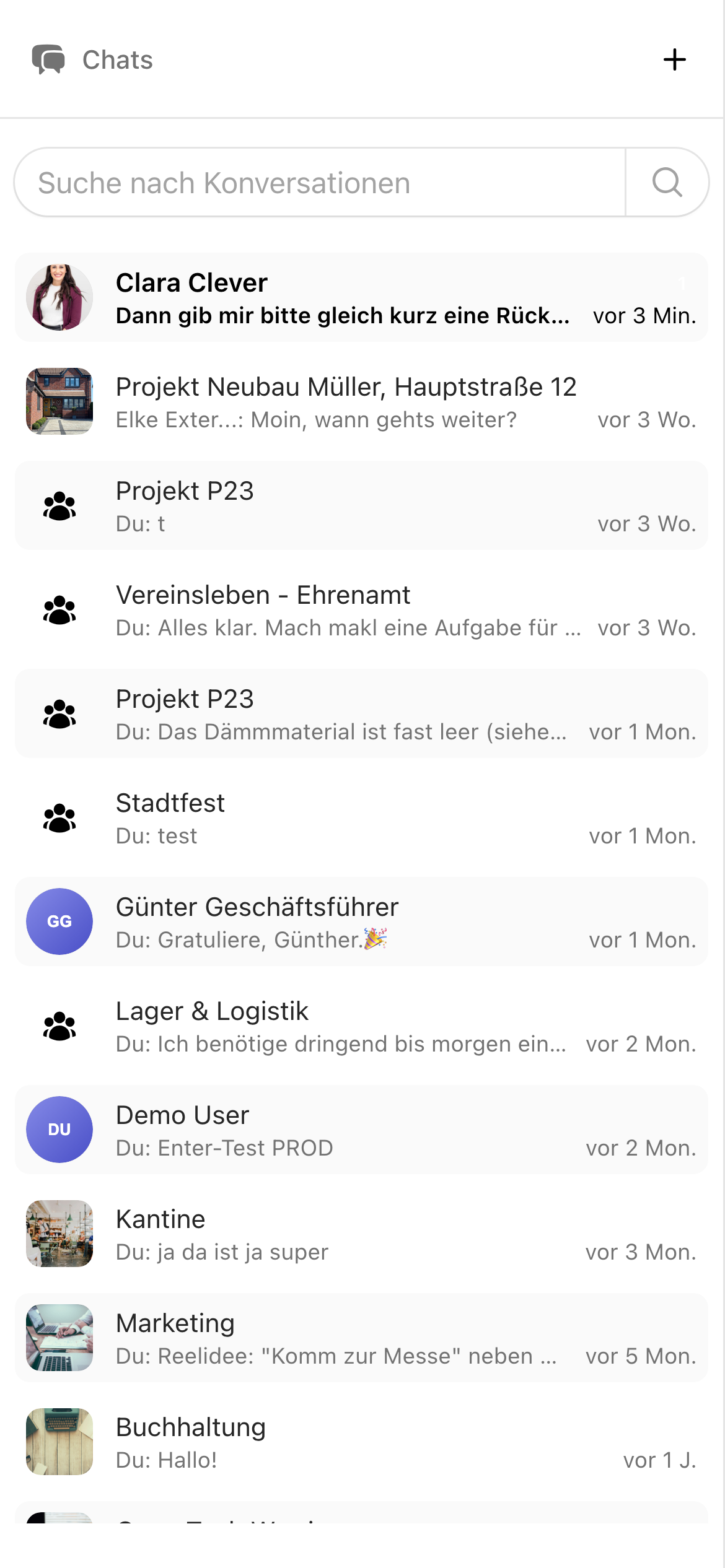
Secure chats keep photos, notes and decisions together inside the project context instead of spreading them across private messengers.

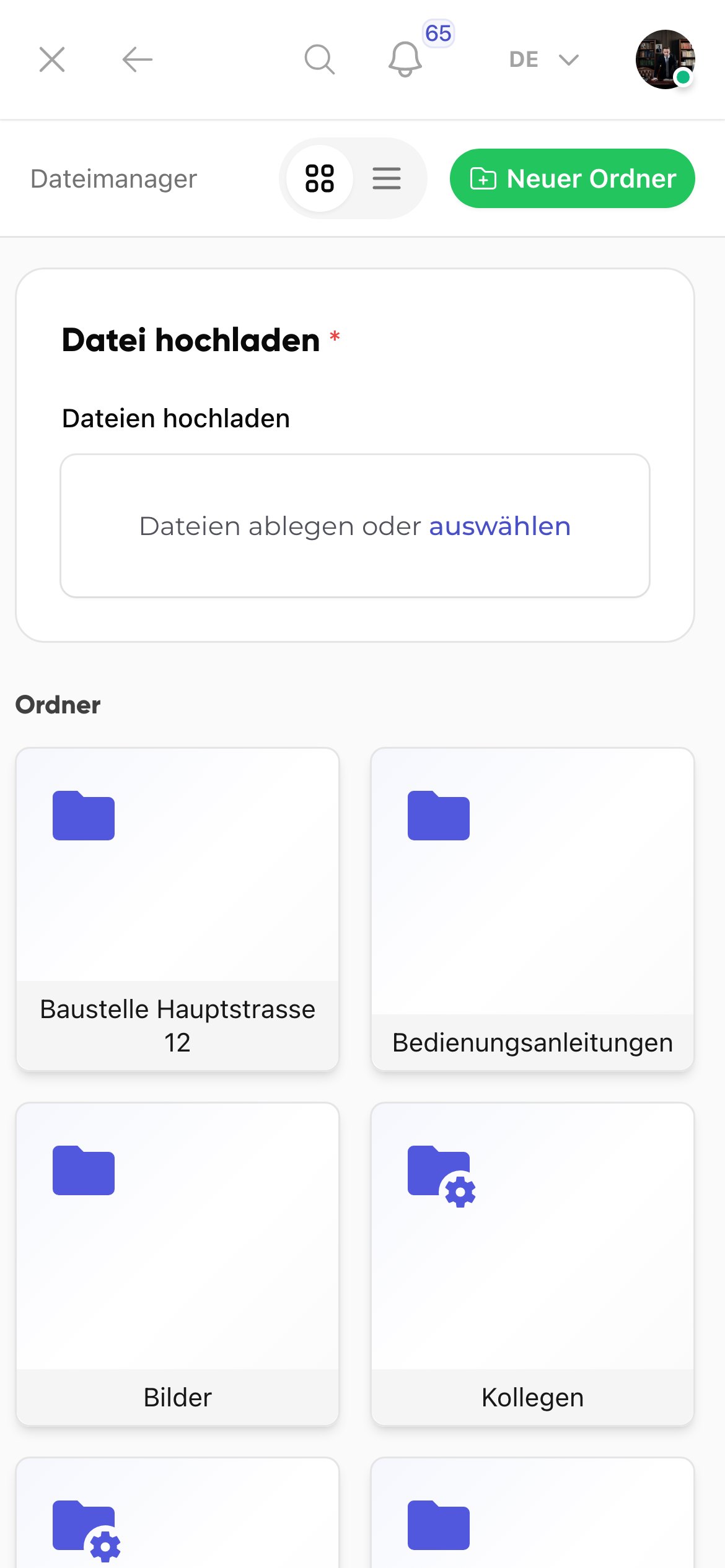
Files remain accessible on site without employees needing to call the office or search for old versions.

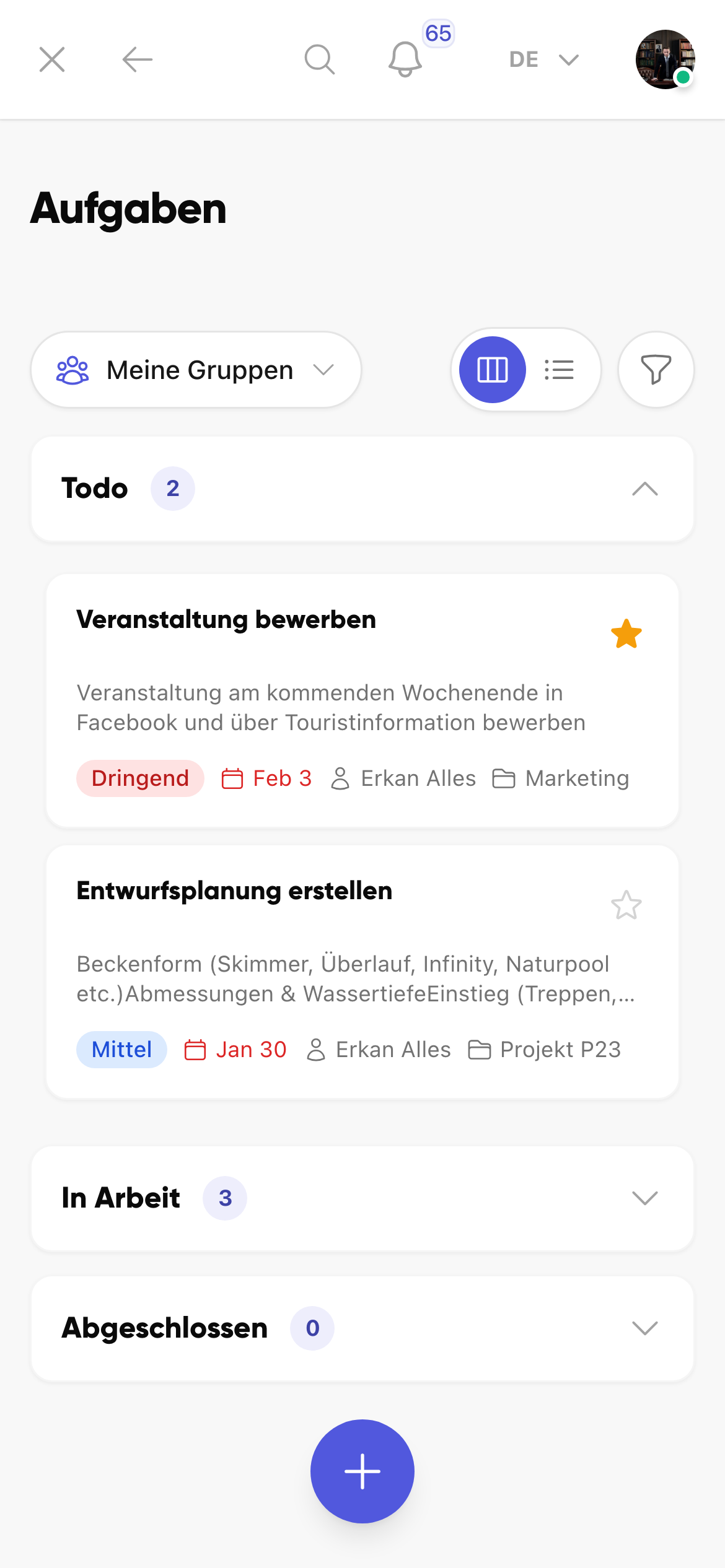
Open points, follow-up work or material topics can be created directly, assigned clearly and kept visible throughout the project.

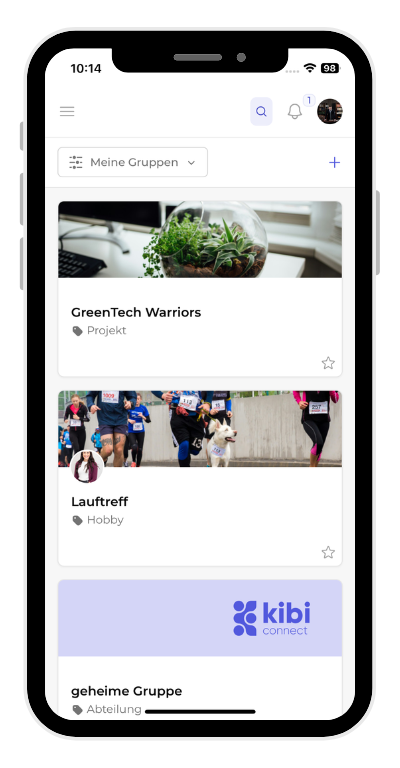
Groups, wiki and the colleague directory keep contacts, procedures and project knowledge easy to find.
Choose the next step that fits your buying stage: live demo, pricing overview or direct contact with our team.
From the founder
In trades, communication often runs on WhatsApp and verbal handoffs — and the photos from yesterday's measurement disappear exactly when you need them. That's exactly what we built Kibi Connect for.
Relevant case study
The Löchte case study shows how Kibi Connect connects office teams, construction sites and project information in daily trade operations.

Important information used to get lost on the way to the construction site. Since we started using Kibi Connect, every employee is always up to date — no matter where they are working.
Marcel Bergmann
Trades & job sites · ~25 employees connecting office and construction site
Everyday Value
Less searching for plans and photos, faster coordination between office and site, and traceable project documentation for every handover.
Less searching, fewer follow-up questions and much more commitment in internal collaboration.
Relevant information is available where work and coordination actually happen.
Photos, questions, plans and files remain in the right context.
Teams can make decisions faster and understand them more clearly.
Tasks and responsibilities stay visible instead of only being discussed verbally.
Frequently asked questions
Direct answers to questions we hear most often from teams in this industry.
Kibi Connect combines project chat, plans, tasks, photos and wiki in one platform. Trades businesses use it for site communication, project documentation and coordination between office, site management and field workers — also on the move via smartphone.
Instead of uncontrolled WhatsApp groups, you get structured project groups with chat, file storage, tasks and defect reports — all inside the project context. Photos from yesterday's measurement remain findable instead of disappearing in a chat history. GDPR-compliant and hosted in Germany.
Yes. Plans, measurement protocols, work specifications and other documents can be stored centrally per project and are available directly on the technician's smartphone — even offline once a plan has been downloaded.
The app is designed for mobile use: content gets cached, messages and tasks can be read offline and sync as soon as there is coverage again. Exactly what a site without stable connectivity needs.
First project teams are typically productive within a few days. We recommend starting with one active site, setting up project chat and wiki, and rolling out the same model to other projects and trades step by step — no big-bang rollout needed.
Start with a short demo and see how Kibi Connect simplifies communication, tasks and documentation for project-based trades businesses.
Your contacts at Kibi
Christofer, Maria, Verena
Christofer, Maria and Verena advise you personally, run demos and webinars, and guide you through the rollout in your company.