Video Calls
With Video Calls, employees launch voice and video conversations directly from the Kibi Connect chat — no extra meeting link, no separate conferencing tool, no dependency on US providers.
Communication gets easier when teams can start video calls directly inside Kibi Connect.
Without switching tools, quick coordination stays inside the same work context.
That reduces friction and helps teams resolve questions faster.
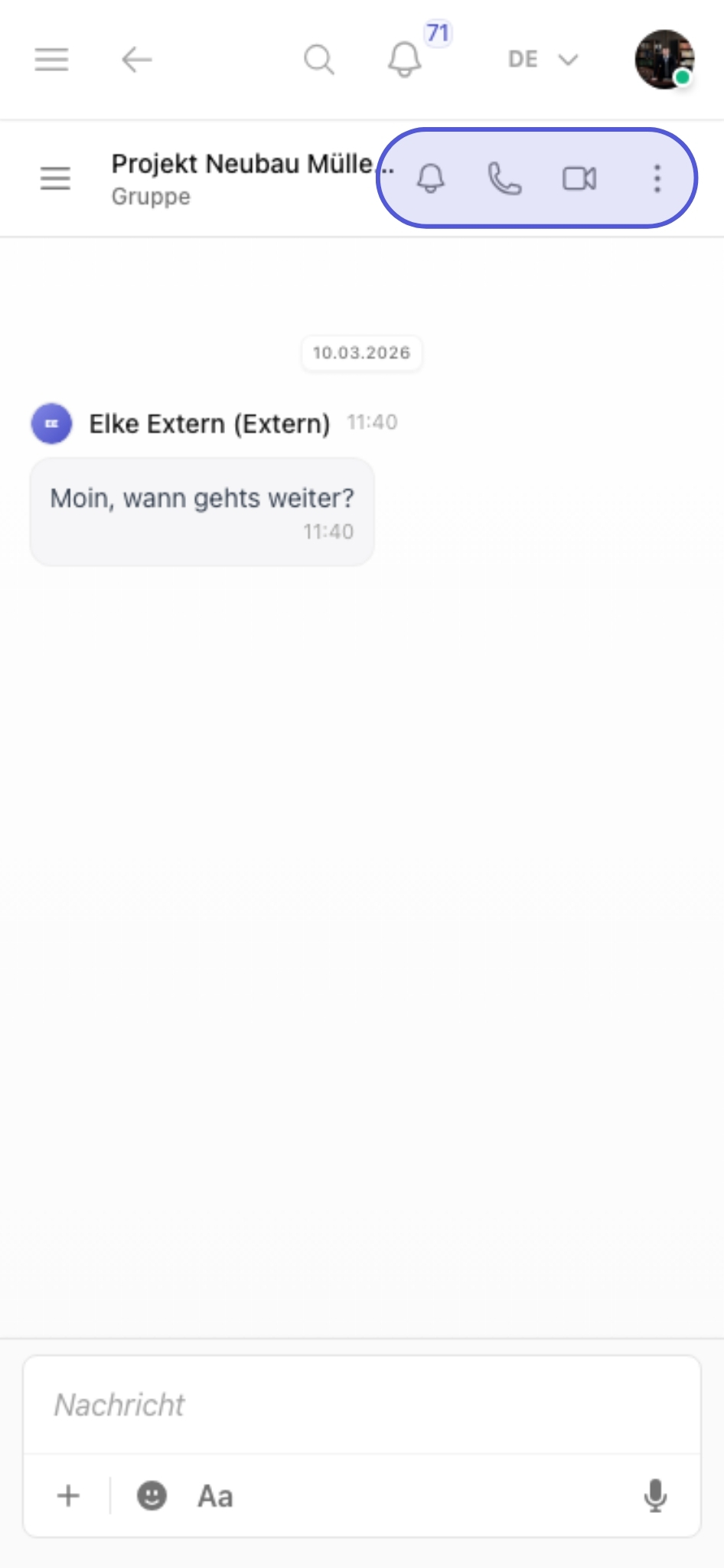
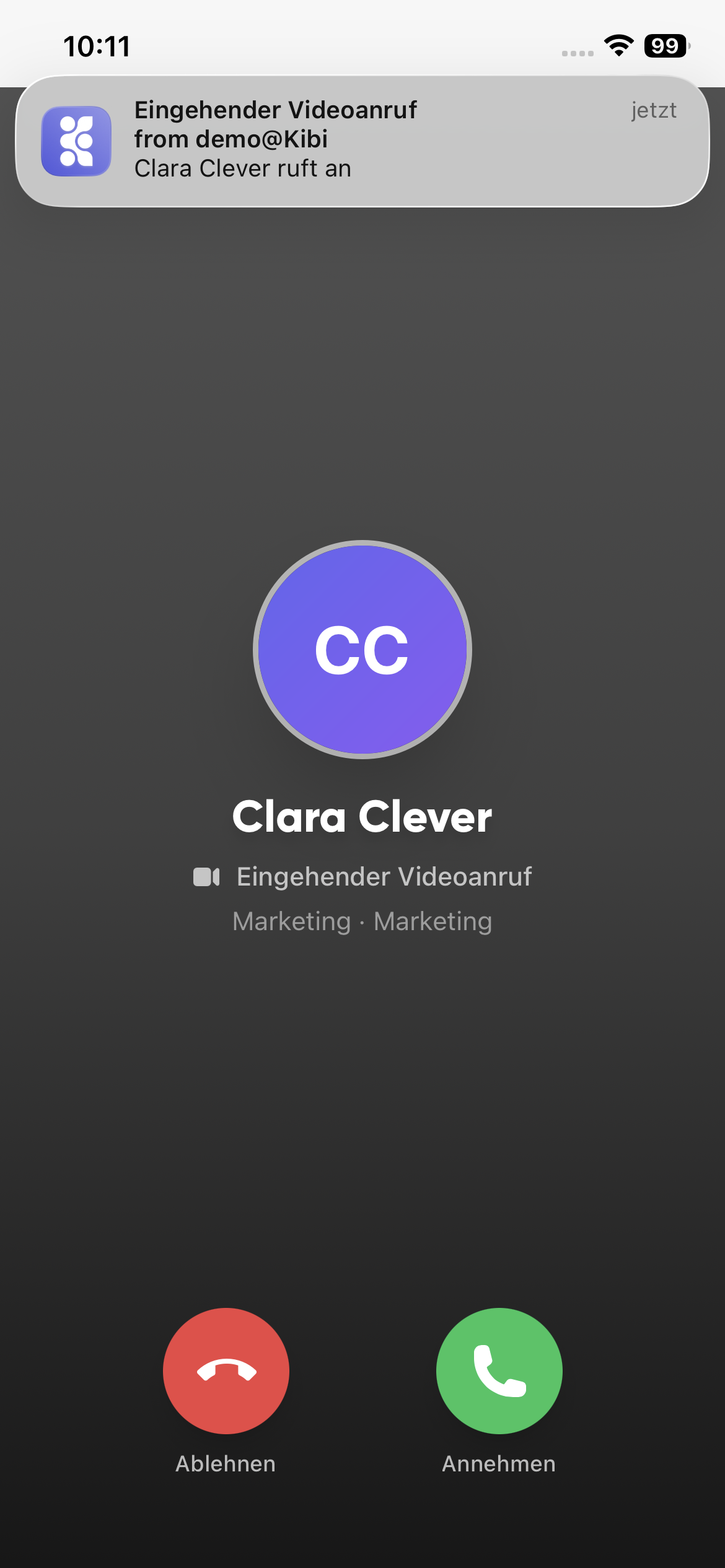
Start video calls directly from the chat
Call and video actions stay directly in the chat header and remain available without switching tools.
- Start voice or video calls from the relevant chat
- Keep the context in a group or 1:1 conversation
- No extra meeting link or external client required
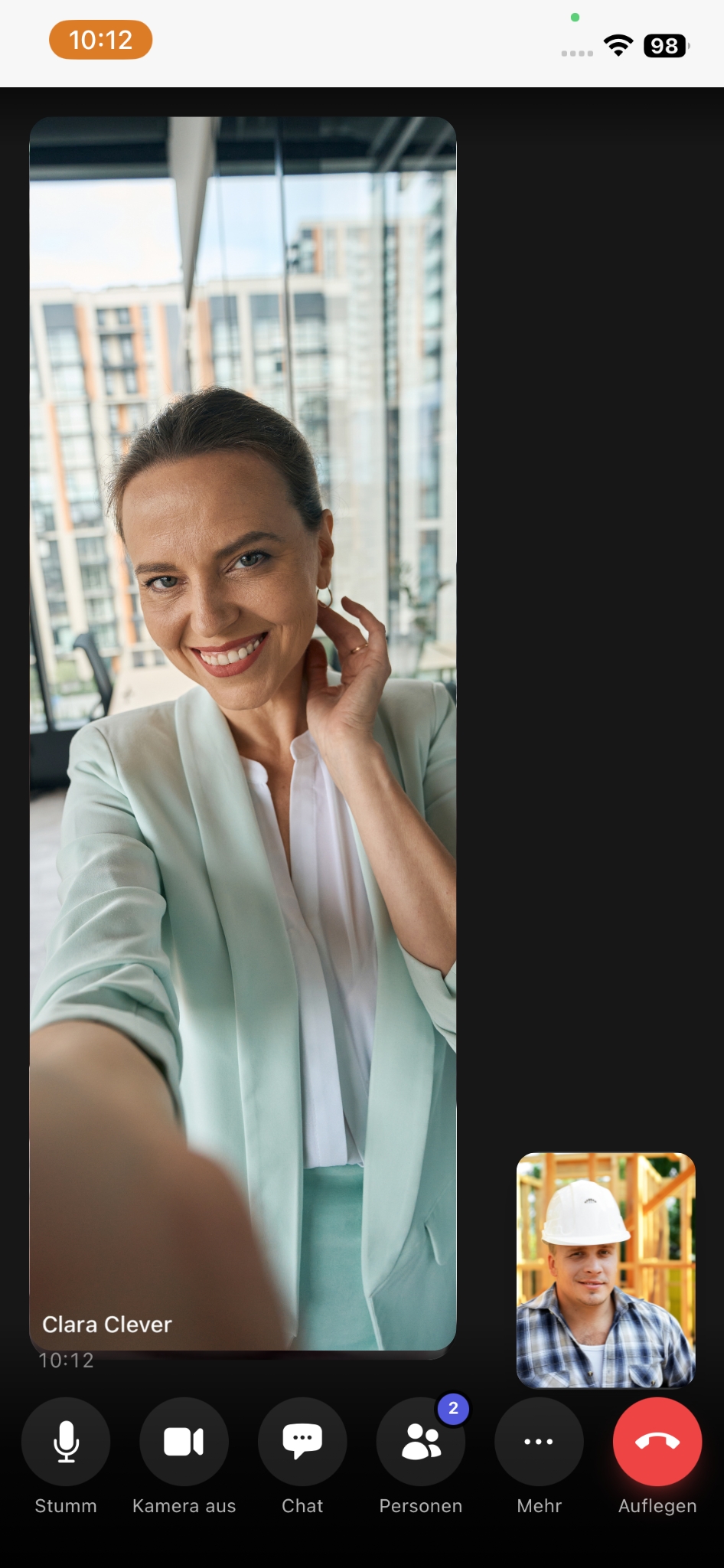
Keep working inside the live meeting
The video call remains part of the same workspace instead of moving coordination into a separate tool.
- Move straight from coordination to the next decision
- Control microphone, camera, chat and participants in one place
- Reduce friction for quick check-ins and follow-up questions
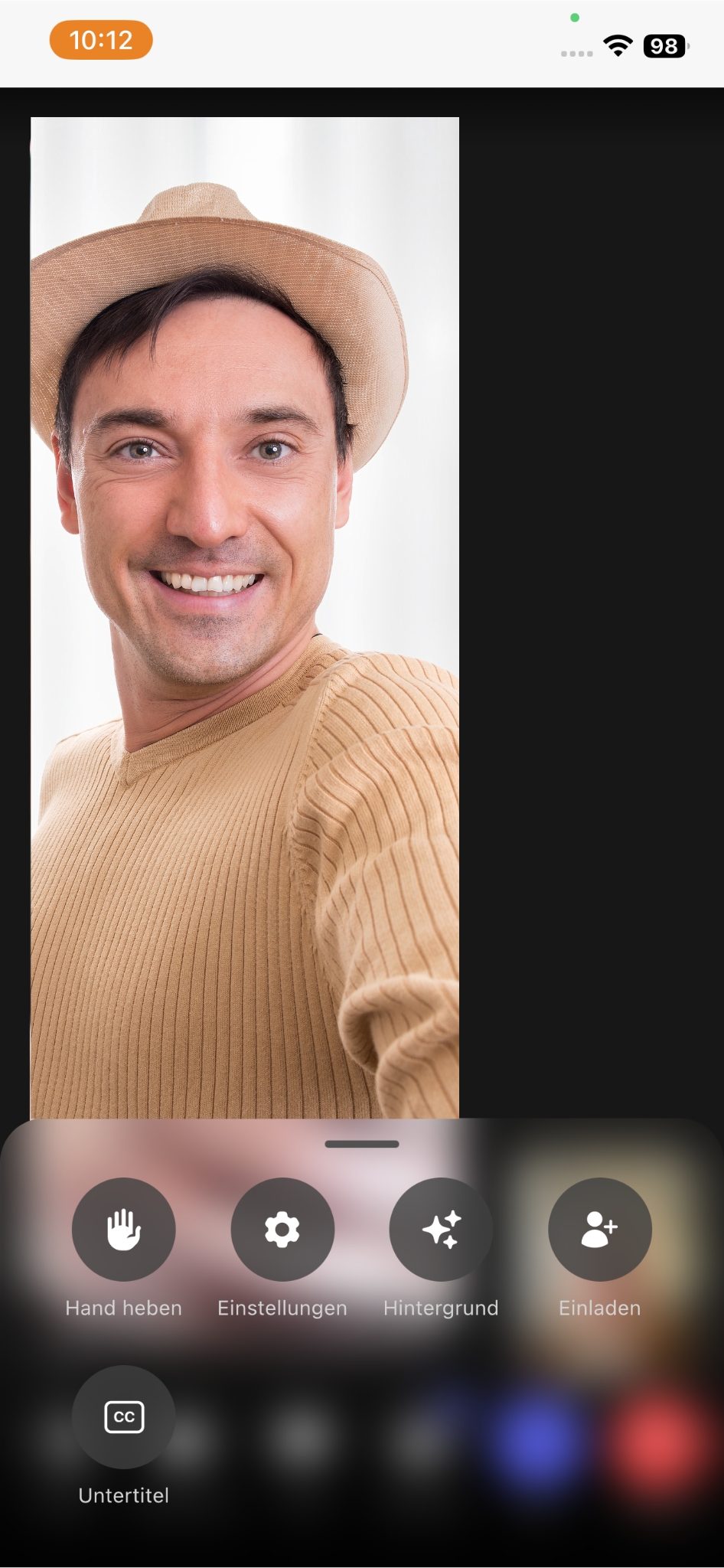
Adjust settings and backgrounds during the call
Important meeting options remain directly available while the conversation continues.
- Open raised hand, captions or invite options directly in the meeting
- Adjust call settings without interrupting the conversation
- Choose virtual backgrounds to fit the situation
From the founder
Nobody has patience for ‘I'll send you a Teams link’ in the middle of a conversation anymore. When the call sits right inside the chat, ‘we should talk briefly’ becomes one click — that saves more time in the end than any meeting optimisation.
Frequently asked questions
Frequently asked questions about Video Calls
Do I need an external service like Zoom or Teams for video calls?
No. Video calls are built into Kibi Connect and launch from any individual or group chat. No additional installation, no separate meeting link, no external client. Communication stays on one platform instead of being spread across multiple tools.
Are video calls in Kibi Connect GDPR-compliant?
Yes. The video call infrastructure is operated in line with EU requirements and metadata stays inside the platform. This matters especially for HR meetings, contract negotiations or customer calls with sensitive content — where the legal situation with US providers remains unclear after Schrems II.
Can I share content in the chat while a video call is running?
Yes. Chat context, files and tasks stay visible during the call. Participants can add links, documents or short notes directly in the chat without leaving the call. All content remains documented after the call.
Do video calls work on the smartphone?
Yes. The Kibi Connect app offers full video calling on iOS and Android. Field technicians on site, account managers travelling, or shift leads on the production floor can join calls without needing a desk. Microphone, camera, participants and background can be controlled directly on mobile.
Try Kibi Connect free
See Video Calls directly inside the app and evaluate how Kibi Connect can support your organisation.