
Tasks
With Tasks in Kibi Connect, to-dos, deadlines and responsibilities stay visible — including for employees without a desk. Open items no longer vanish between hallway conversations, sticky notes and messenger chains.
Tasks keeps open work visible, assigned and easy to follow in one place.
From quick follow-ups to recurring operational work, teams can keep ownership and status clear.
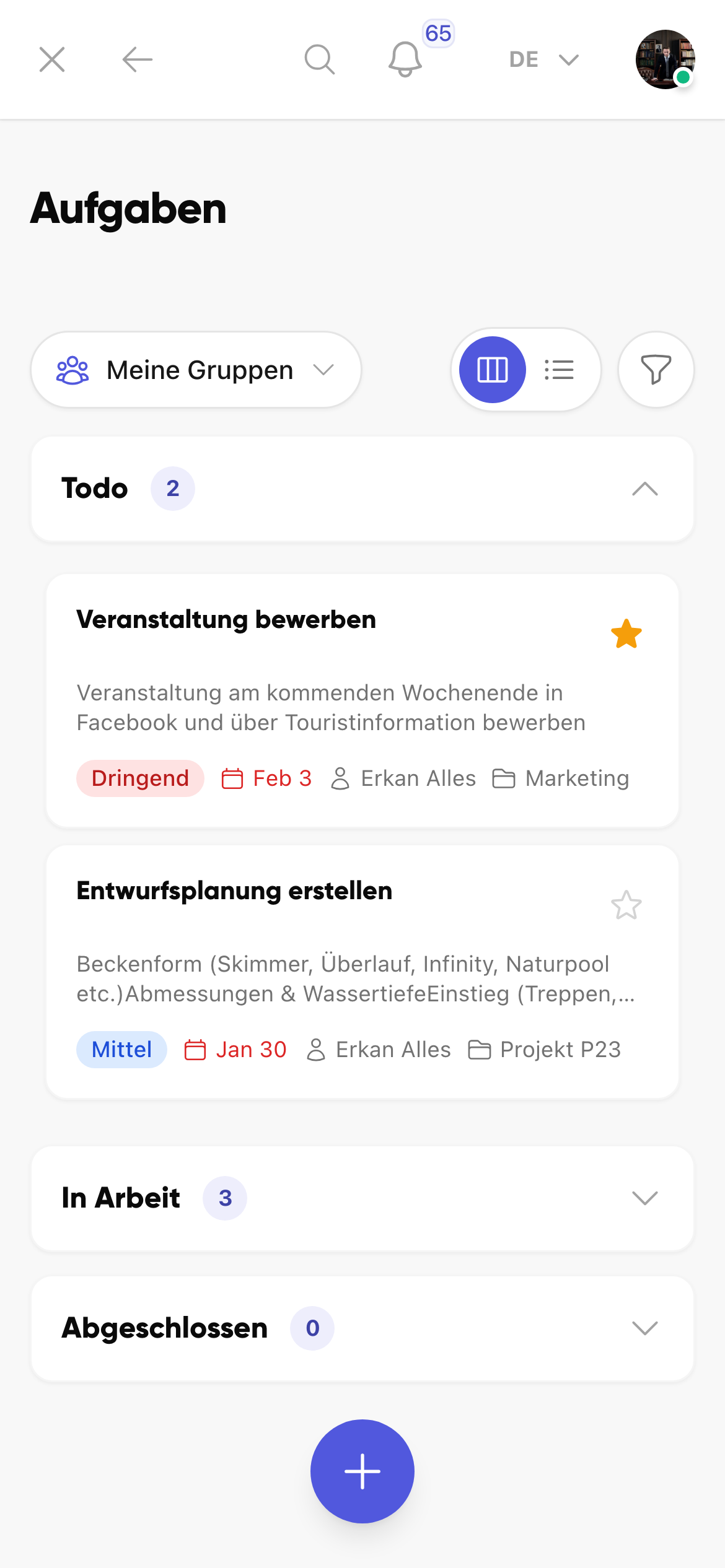
Keep the mobile task board visible
Open, in-progress and completed items stay available directly in the mobile task view.
- Check status without an extra tool
- See priorities more quickly
- Keep the current task view available on the go
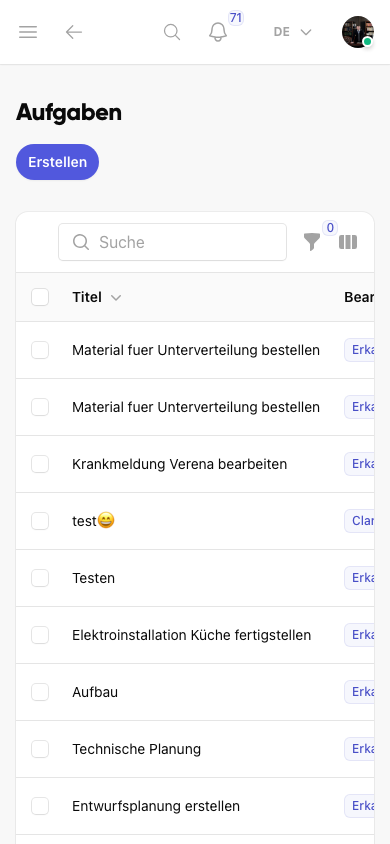
Create new tasks directly
Open points, measures and responsibilities can be created and assigned immediately.
- Capture tasks on the go
- Assign owners and due dates directly
- Keep operational follow-up work traceable
Uit de praktijk
In operational day-to-day, tasks rarely get forgotten — they get handed over incorrectly. A colleague says: ‘Can you take care of that?’ and a week later nobody follows up. Binding assignments with a due date solve exactly this problem.
Veelgestelde vragen
Veelgestelde vragen over Tasks in Kibi Connect
How do I quickly capture tasks on the go or on site?
Tasks can be created directly in the Kibi Connect app on the smartphone: title, description, responsible person, priority and due date in seconds. Photos from the site attach directly. Questions and issues get documented and land with the right person as a binding task.
Can I turn a chat message directly into a task?
Yes. When a follow-up question turns into a to-do, create the task with one click from the message — including assignment, due date and a link back to the conversation. Agreements in chats don't get lost; they stay traceable as binding tasks.
How do managers keep an overview of open items?
The task board shows open, in-progress and completed items in a clear Kanban view. Filters by person, team, priority or due date make visible what is stuck and where support is needed — without a separate project management tool.
Can tasks be linked to groups, projects or locations?
Yes. Tasks can be anchored in a group, a project or a location. Context stays clear, and related tasks can be tracked together — instead of disappearing in isolation inside someone's private to-do list.
Kibi Connect gratis uitproberen
Ervaar Tasks direct in de app en ontdek hoe Kibi Connect in uw bedrijf kan worden ingezet.