
Contacts
Contacts in Kibi Connect bundles external contacts — customers, suppliers and partners — in one central place. Contacts are available straight from chat, tasks and calendar, without parallel contact silos.
The Contacts module consolidates external contacts directly in Kibi Connect — customers, suppliers, project partners and authorities in one central place.
Contact data stays in the company instead of in private Outlook inboxes or personal phone contacts. Contacts no longer walk out the door when people leave.
From chat, tasks and calendar, teams jump straight to the right contact — without tool switching and without breaking the daily workflow.
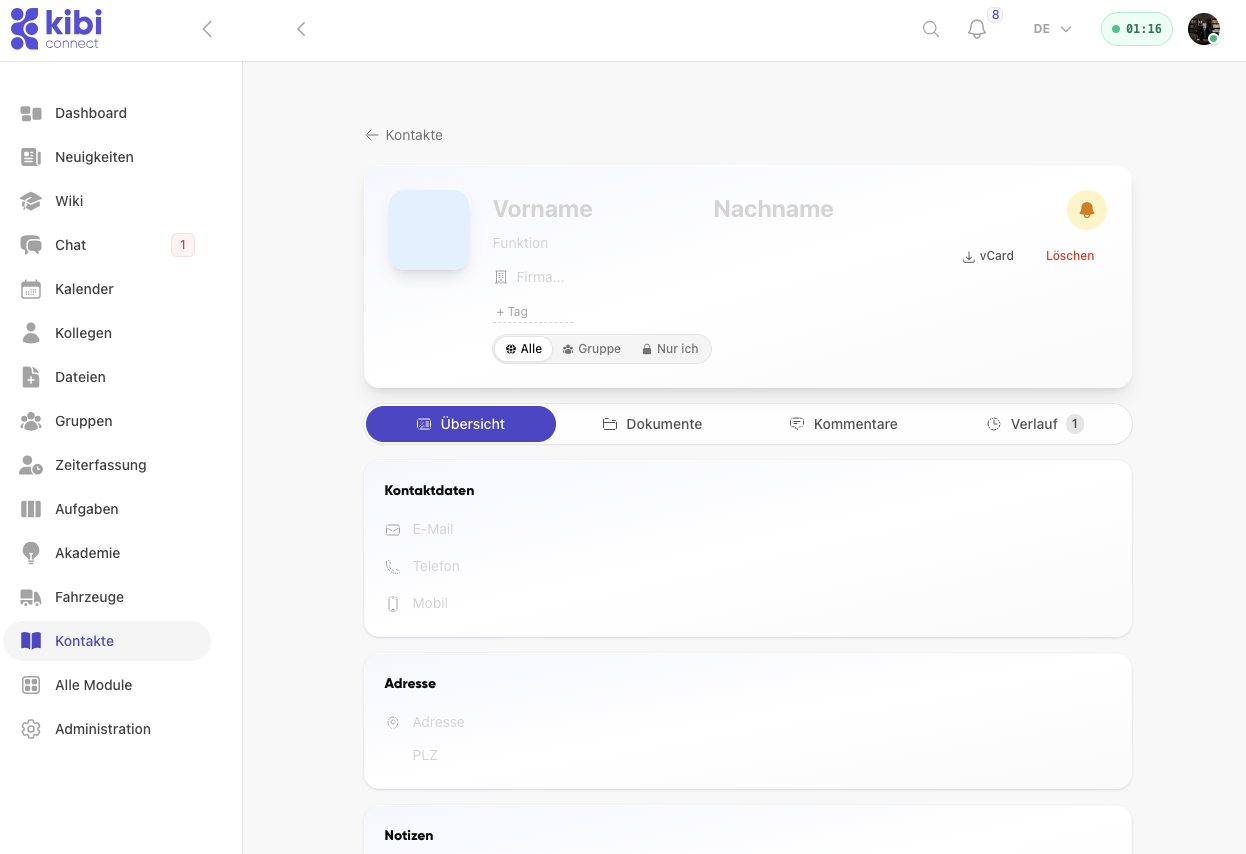
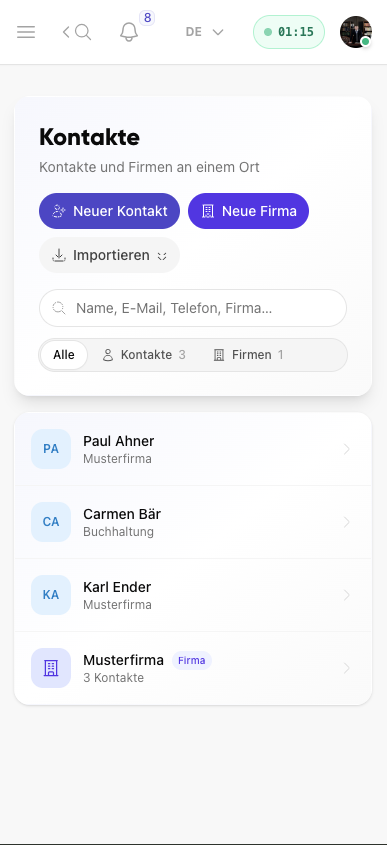
Capture external contacts in a structured way
Contacts and companies are captured in one shared overview and stay easy to find.
- Manage contacts and companies in one shared list
- Create new contacts and companies directly from the overview
- Use search, filters and import inside the module
- Keep contact data in the company even when staff changes
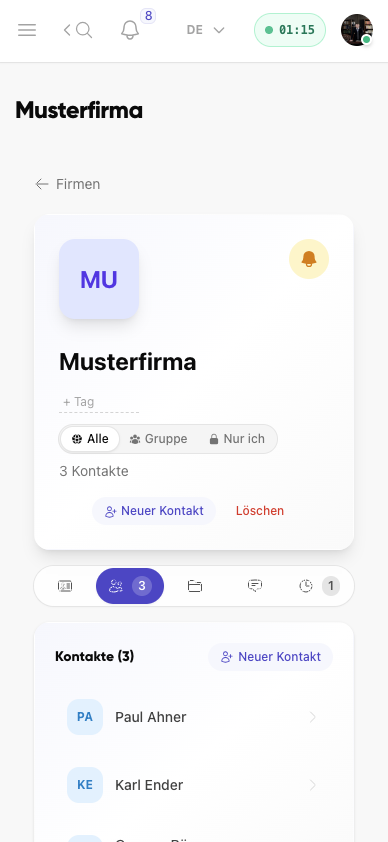
Keep companies and contacts in the right context
Company profiles bundle related contacts, visibility settings and further entries in one place.
- Assign contacts directly to a company
- Maintain company-wide visibility and tags transparently
- Create new contacts straight from the company context
- Keep structures for sales, service or project work organised
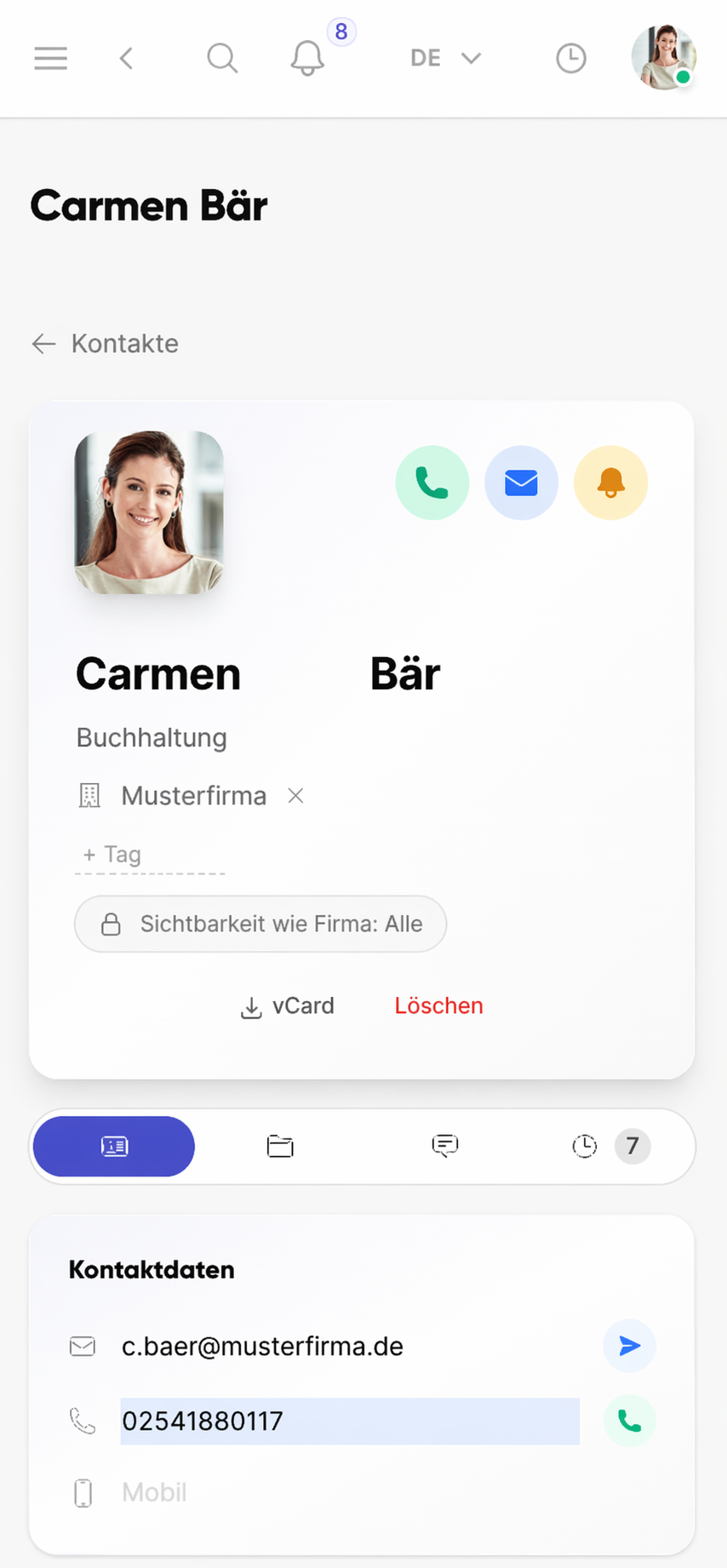
Work directly with the right contact person
From the contact profile, teams start calls, emails or follow-up actions without switching tools.
- See phone, email and visibility settings directly in the profile
- Keep contact data available on mobile at the place of work
- Start vCard export and further actions right from the profile
- Avoid dependency on private contact lists or SIM contacts
Uit de praktijk
Customer data in mid-sized companies often lives in three Outlook inboxes, two Excel lists and on the phones of sales people. When someone leaves, a slice of the contact network goes with them. A central contacts directory integrated into the daily platform solves exactly that.
Veelgestelde vragen
Veelgestelde vragen over Contacts in Kibi Connect
How do I manage customer contacts centrally and in a GDPR-compliant way?
The Contacts module stores contact data inside the Kibi Connect platform, hosted in Germany. Each contact has clear owners and visibility settings, so customer data is no longer scattered across private Outlook folders or personal smartphones. GDPR deletion requests and information rights become much easier to fulfil.
How do I quickly find the right external contact?
Search by name, company, location or role. Profile pages show phone, email, responsibilities and linked projects or tasks. From the profile you start a call, email or assignment to your internal team directly.
Can contacts be organised by groups or categories?
Yes. Contacts can be grouped by categories — customers, suppliers, partners, authorities or industry-specific segments. Each contact can have tags, projects and owners, so filters and segments work even with large contact volumes.
Are the contacts usable on mobile?
Yes. Field technicians, service staff and account managers access contacts directly in the app — on site with the customer, on a construction site or on the road. Return numbers and the right colleague are instantly available, without relying on personal SIM contacts.
Who sees which contacts?
Visibility and edit rights per contact or category are role-based. Sensitive customer or partner data is visible only to authorised people. External users and restricted roles get targeted access without seeing all contacts.
Kibi Connect gratis uitproberen
Ervaar Contacts direct in de app en ontdek hoe Kibi Connect in uw bedrijf kan worden ingezet.