
Chat
Updated Reading time: 1 min
With the chat, you communicate directly and in real time in Kibi Connect – individually or in groups – and quickly exchange files.
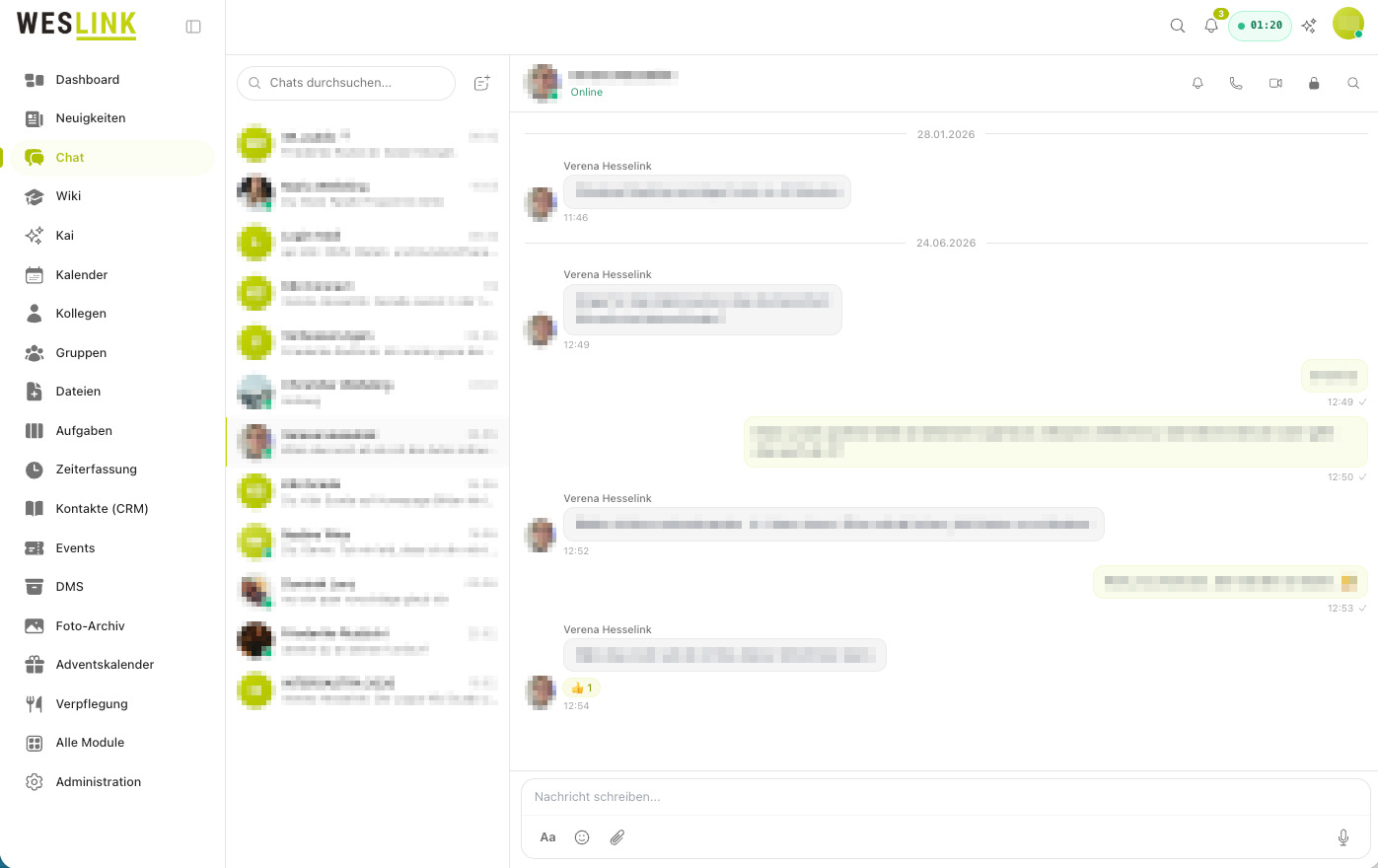
On the following pages, you will learn step by step how to use the chat:
Topic |
Subpages |
|---|---|
Direct messages |
|
Group chats |
|
Writing messages |
|
Files and images |
|
Searching |
|
Notifications |
|
Managing chats |
Chat
- How do I write and reply to messages? In the open chat, you write messages, respond specifically to individual posts, send quick confirmations, and manage individual messages. This article shows…
- How do I start a direct message? With a direct message, you write to a single person privately – ideal for quick, personal exchange.
- How do I create and manage a group chat? In a group chat, multiple people exchange information together – such as a team, a project, or a department.
- How do I find messages and chats again? Kibi Connect helps you quickly find past conversations and individual messages.
- How do I share files and images? You can send images, videos, and files directly to your chat partners in the chat.
- How do I manage my chats? To keep your chat list clear, you can clear a chat history, remove a chat from your list, or leave a group. You can find all these functions in the menu in t…
- How will I be notified about new messages? Kibi Connect reliably informs you about new messages – in the program and, if desired, on your smartphone.