
How do I log in using a QR code?
1min
With QR code registration, you can quickly and easily log in to Kibi Connect without a password. The QR code is created by the person responsible for Kibi Connect in your company.
How to log in with a QR code
To log in on another device, open the login page there and hold your QR code in front of the camera:
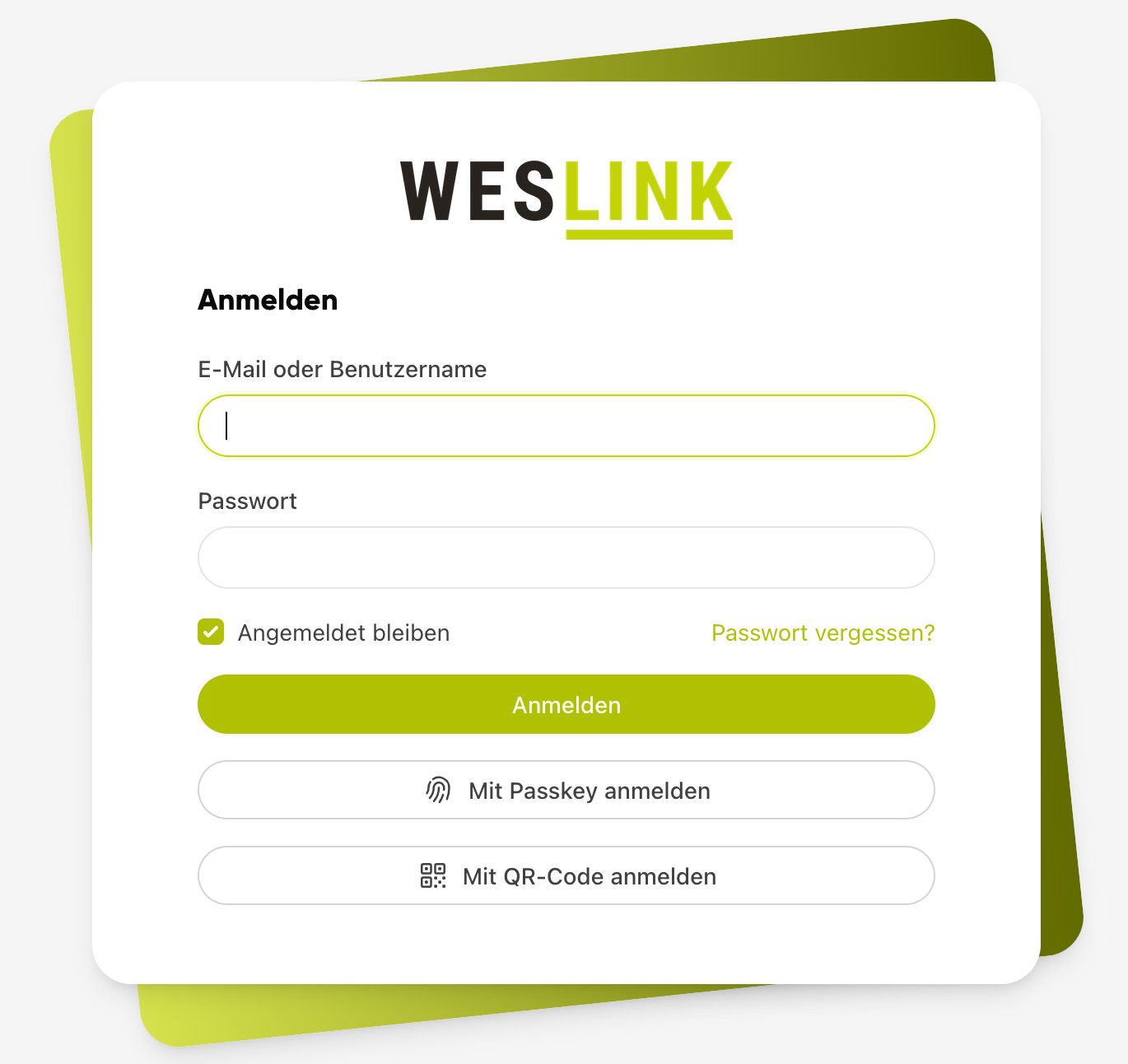
On the device, open the login page and click "Log in with QR code".
Allow access to the camera.
Hold your QR code in front of the camera.
You will be automatically logged in and remain permanently logged in on this device until you log out again.
If no camera is available or the message "No camera found" appears, click "From file" and upload a photo or screenshot of your QR code.
How long is the QR code valid?
Your QR code is only valid for a limited period. The exact expiry date is displayed directly with the QR code ("This QR code is valid until ..."). By default, the validity period is 30 days. If the code has expired, simply have a new one displayed in your user account.
Your QR code contains your personal access to Kibi Connect. Anyone who has the code can log in on your behalf without a password. Therefore, never pass the QR code to third parties and store printouts securely.