
How do I edit or delete a post?
1min
You can update or delete existing posts.
To create and edit posts, you need the appropriate permissions (e.g., the role of editor/news creator). Typically, all employees can react and comment.
Edit a post
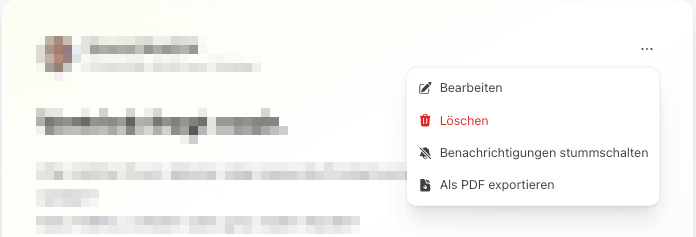
Open the post and select Edit.
Make your changes and save.
Delete a post
Open the post for editing.
Select Delete and confirm the security prompt.
Deleted posts are moved to the trash and permanently removed after the retention period expires. After that, they cannot be restored.