
How do I log in to Kibi Connect?
1min
To use Kibi Connect, log in with your personal access data. You will receive this from the person responsible for Kibi Connect in your company.
How to log in
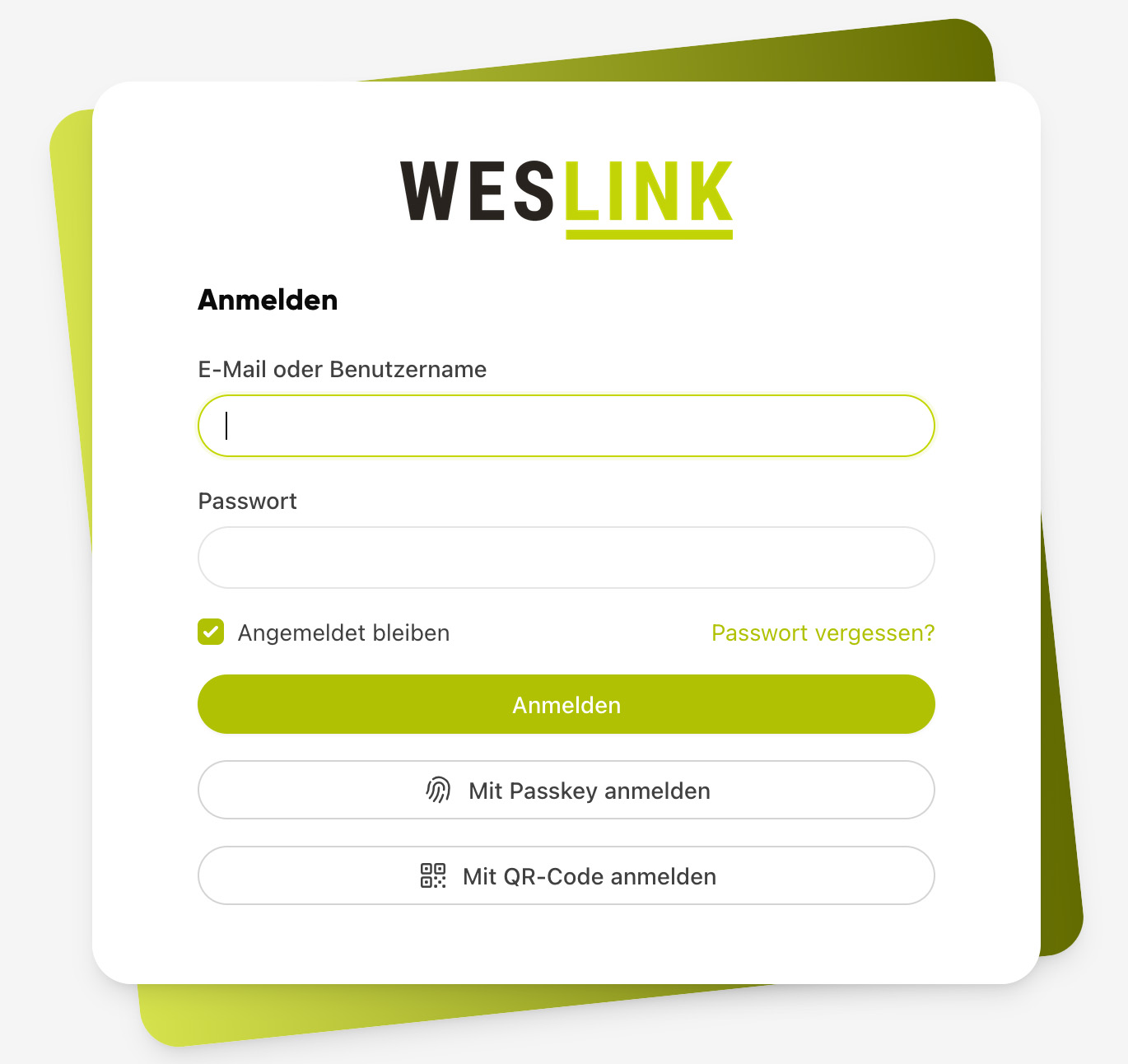
Open your company access URL in your browser.
Enter your username or email address in the Login field.
Enter your password.
Click Log in.
If you have forgotten your password, click "Forgot password?" on the login page and follow the instructions. You will then receive an email allowing you to set a new password.
Login via QR code
Alternatively, you can log in via "Log in with QR code".
Topic |
Subpages |
|---|---|
Login via QR code |