
How do I export or print wiki content?
1min
You can print wiki content, save it as a PDF, or share it.
Print a single page or save as PDF
Open the desired wiki page.
Use your browser's print function (Ctrl + P or Cmd + P).
Select "Save as PDF" as the destination to create a PDF.
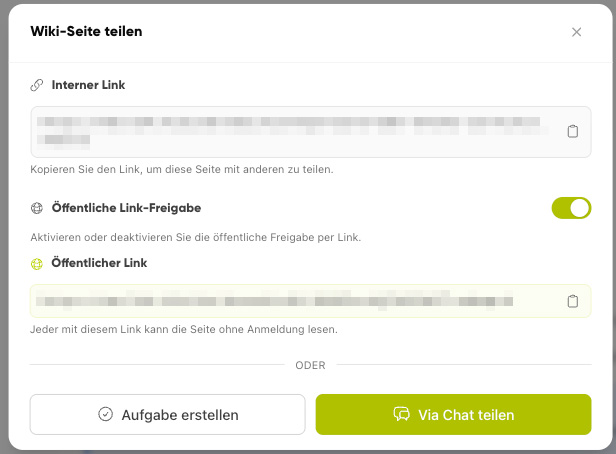
Share page
Shared pages can be shared with others via Share or the Public Link.
In the wiki's admin view, editors can additionally export multiple entries via the export function.