
How do I start a direct message?
1min
With a direct message, you write to a single person privately – ideal for quick, personal exchange.
How to start a new chat
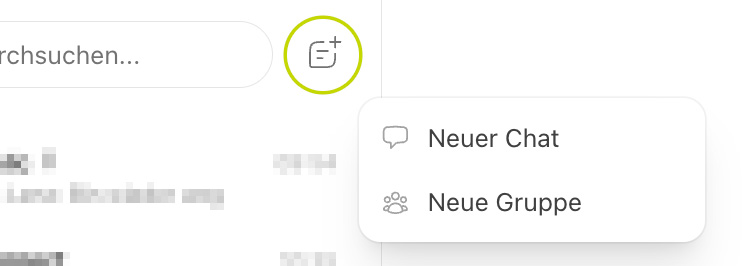
Open the Chat module.
Tap on New Chat.
Search for the desired person using the search field (search by name).
Select the person. The chat will open, and you can write your first message.
Start a chat from other areas
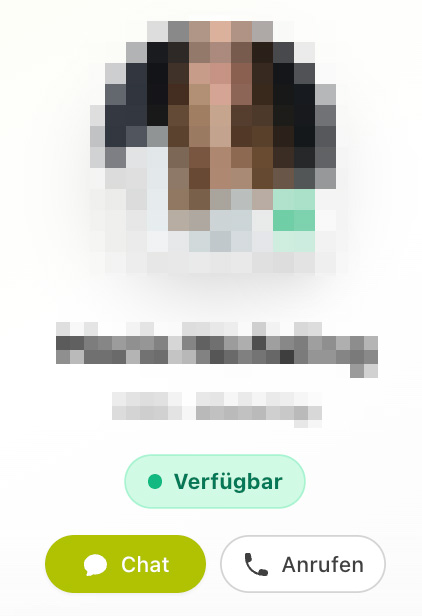
You can also start a chat outside the Chat module – for example, from the Colleagues section, directly from a profile, or via the birthday widget on the dashboard. Click on the chat icon of the respective person there.
Message to yourself
You can also have a chat with yourself to store notes, links, or files for yourself.