How do I react to and comment on posts?
1min
You can react to, comment on, and share posts in the feed.
React to a post

Select a reaction under a post. Tapping it again removes your reaction.
Comment on a post
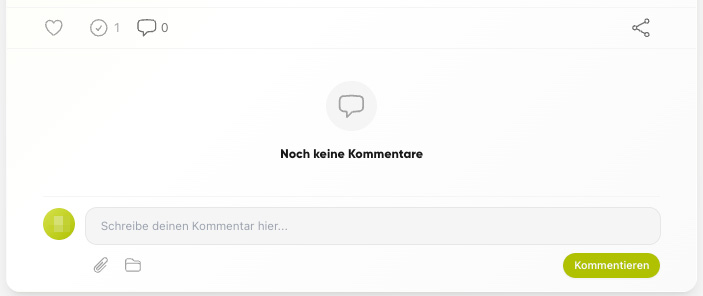
Open the post.
Write your comment in the comment field and send it.
Share a post
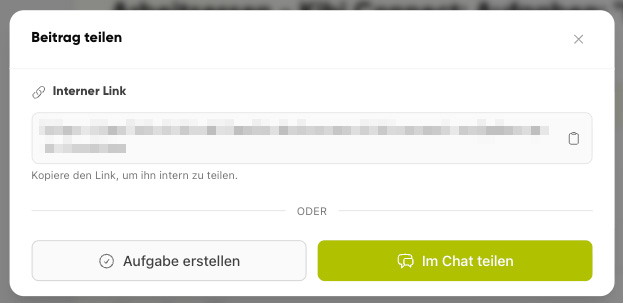
Use Share to forward a post.
Sharing forwards a post internally to colleagues or groups. It does not create a public link – recipients need their own access to Kibi Connect.
Create a task from a post
If the Tasks module is active, you can use Create task from post to directly create a to-do from a post.