How do I edit or delete an appointment?
Updated Reading time: 1 min
You can adjust or remove existing appointments.
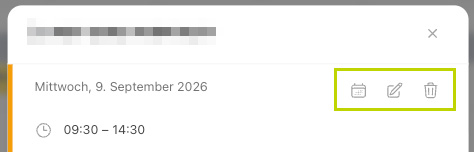
Edit an appointment#
Click on the appointment in the calendar.
Change the details (e.g., time, location, participants) and save.
Delete an appointment#
Open the appointment.
Select Delete and confirm.
Recurring appointments#
When creating an appointment, activate the Recurring option to repeat it regularly (e.g., weekly meeting).