
How do I create a post?
1min
In the News section, you share announcements and information with your colleagues. Here's how to create a new post.
To create and edit posts, you need the appropriate permissions (e.g., the Editor/News Creator role). Typically, all employees can react and comment.
Create a post
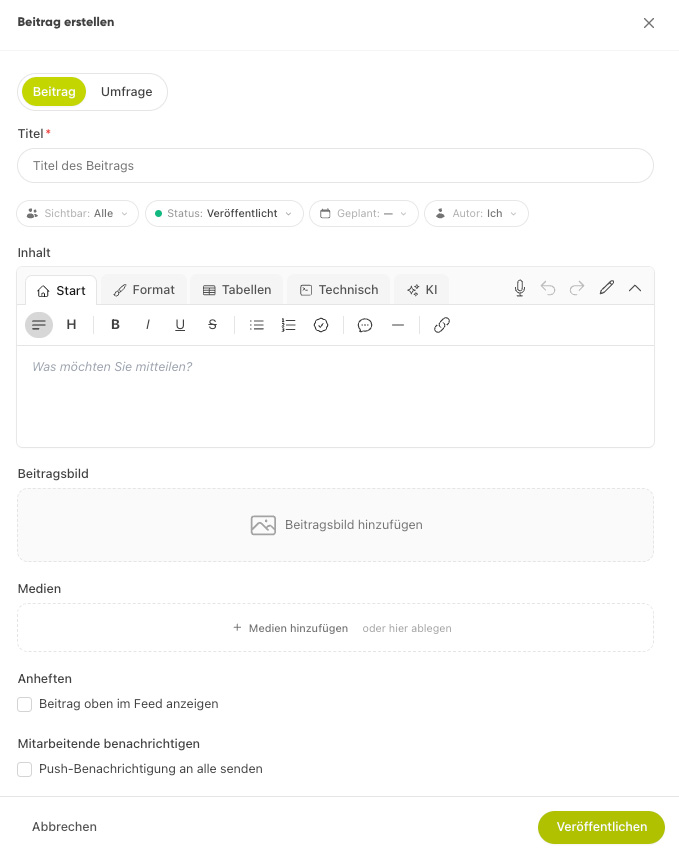
In the News module, click Create Post (e.g., via the "+" button).
Enter a title and write the content in the editor.
Optional: add a header medium (title image) and attachments.
Under Group, select a group, or leave the field blank to post in the general feed.
Use the Status to specify whether the post is a draft or published, then save.
A title image and a clear headline ensure that your post stands out in the feed and is read more often.