
Surveys
Updated Reading time: 1 min
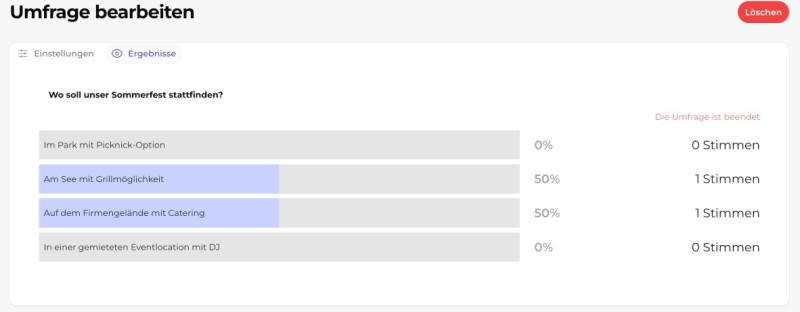
With a survey, you can quickly get a mood picture or a decision. You create surveys just like a post – directly in the news feed.
How to create a survey#
Open the News section.
Click on Create survey at the top of the input area (in the form, you can switch between Post and Survey at any time).
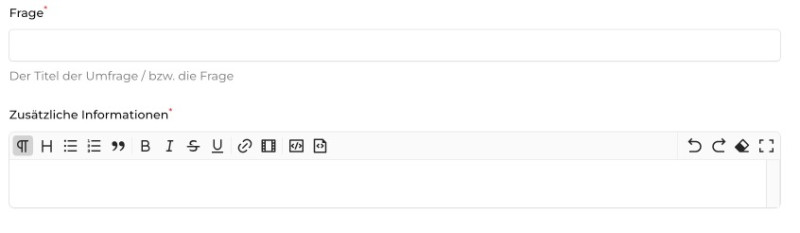
Enter the question. In the larger field below, you can optionally add additional information and format it using the menu bar.
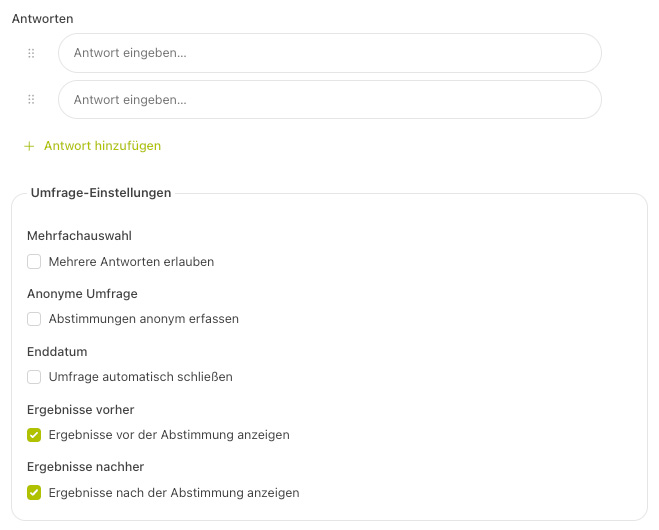
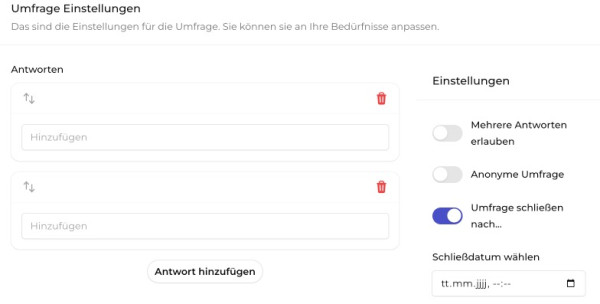
Under Answers, enter the answer options. Use + Add answer to add more; use the handles to sort them, and remove any unnecessary answers.
Optional: add a post image.
Set the settings (see below) and click on Publish.
Survey settings#
-
Allow multiple answers: Participants can select more than one option.
-
Record votes anonymously: It is not saved who voted how – only that someone participated.
-
Automatically close survey: Set an end time after which voting is no longer possible.
-
Show results before voting: Participants see the interim result before casting their own vote.
-
Show results after voting: Participants see the result after they have voted.
-
Send push notification to all: Actively inform everyone about the new survey.
Visibility, status, and planning#
As with a post, you set at the top who the survey is visible to (e.g., everyone or a specific group), the status (Published, Draft, or Archived), the author, and optionally a scheduled publication time.
Warnung
With anonymous surveys, a submitted answer is final and cannot be changed.