
How do I manage members and roles?
Updated Reading time: 1 min
On this page
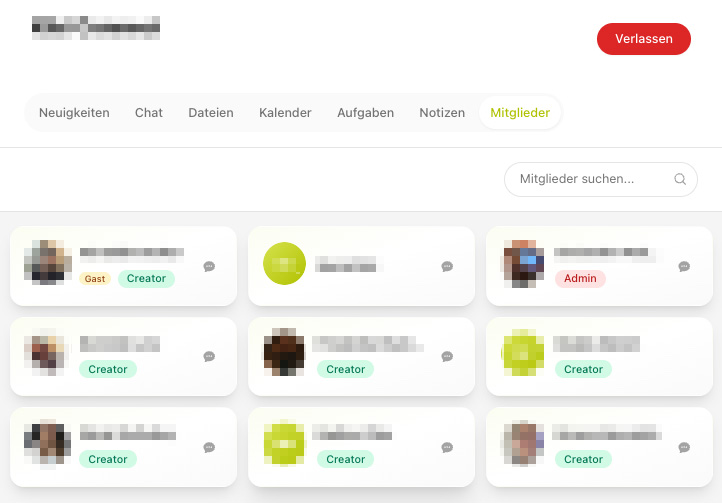
In a group, there are different roles with different permissions. Administrators manage the members.
Roles in a group#
-
Creator
Creates the group and has all permissions.
-
Administrator
Manages members, join requests, and group settings.
-
Member
Participates in the group, reads and writes posts.
Manage members#
Add or remove members.
Approve or reject join requests.
Assign a role (e.g., Administrator) to members.
Info
The default role that new members receive is determined by the default group role (see linked page).