
How do I invite participants and respond to invitations?
Updated Reading time: 1 min
On this page
For personal appointments, you can invite other people. Invited persons will be notified and can accept or decline.
Invite participants#
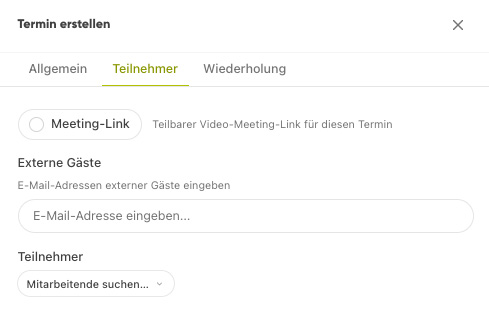
Open or create an appointment.
Under Invite participants, select the desired people.
Save the appointment – the invited people will receive a notification.
Respond to an invitation#
As an invited person, you will see the appointment in your calendar and can accept or decline it.
Info
External people can also be invited to appointments.