
What information do I see in a colleague's profile?
Updated Reading time: 1 min
A colleague's profile consolidates the most important information at a glance.
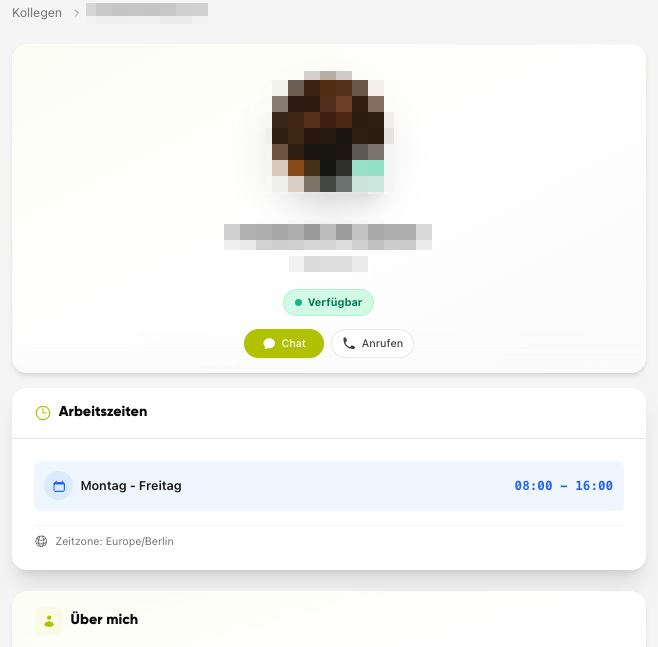
Name & Position
Who the person is and what role they hold.
Contact Details
Phone (landline/mobile) and email address.
Profile Picture
For quick recognition.
Groups
Which groups the person is a member of.
Info
Which details are visible depends on what has been saved. You manage your own details in your profile.