
How do I set reminder, visibility, and availability?
Updated Reading time: 1 min
On this page
When creating or editing an appointment, you also specify at the top of the form whether and when you will be reminded, who can see the appointment, and how you will be displayed to others.
Reminder#
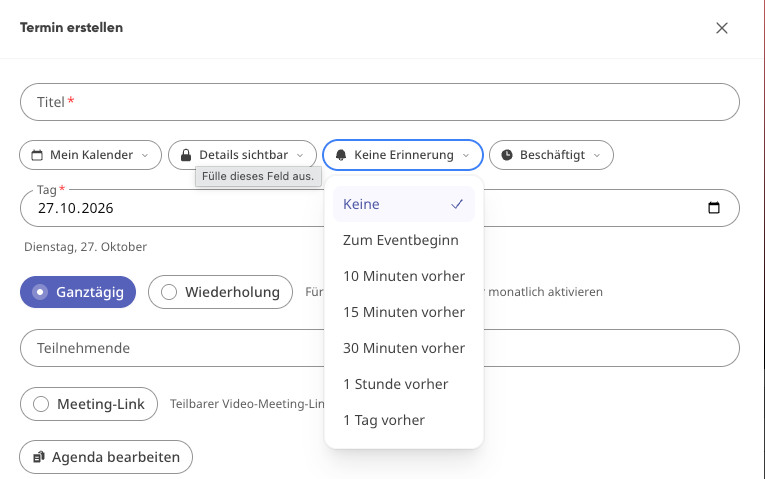
Under Reminder, you specify when you will be notified before the appointment.
Options available:
None
At event start
10 minutes before
15 minutes before
30 minutes before
1 hour before
1 day before
Visibility#
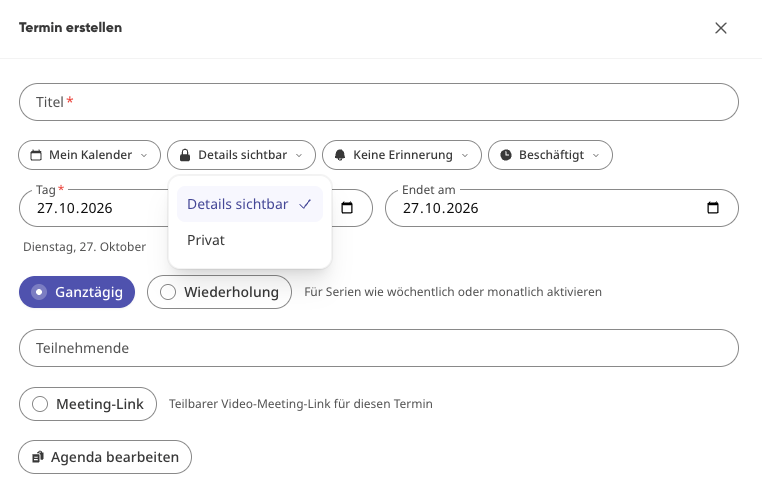
Normal
Others with access to the calendar can see the appointment with its details.
Private
The appointment is treated as private; the details remain hidden from others.
Show me as#
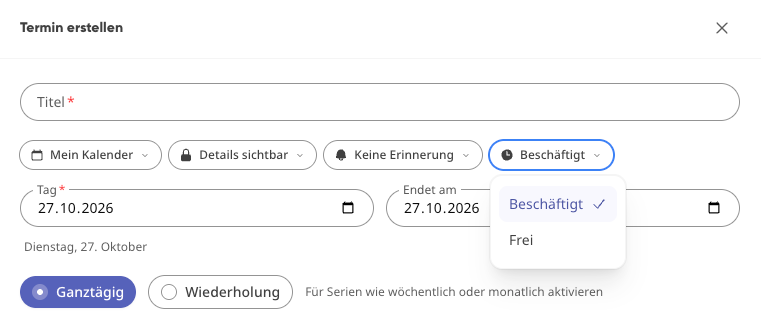
Determines how you appear to others during the appointment:
Busy
You will be displayed as occupied during this time.
Free
The time is not counted as occupied—for example, for non-binding notes or reminders.