
DMS
Updated Reading time: 1 min
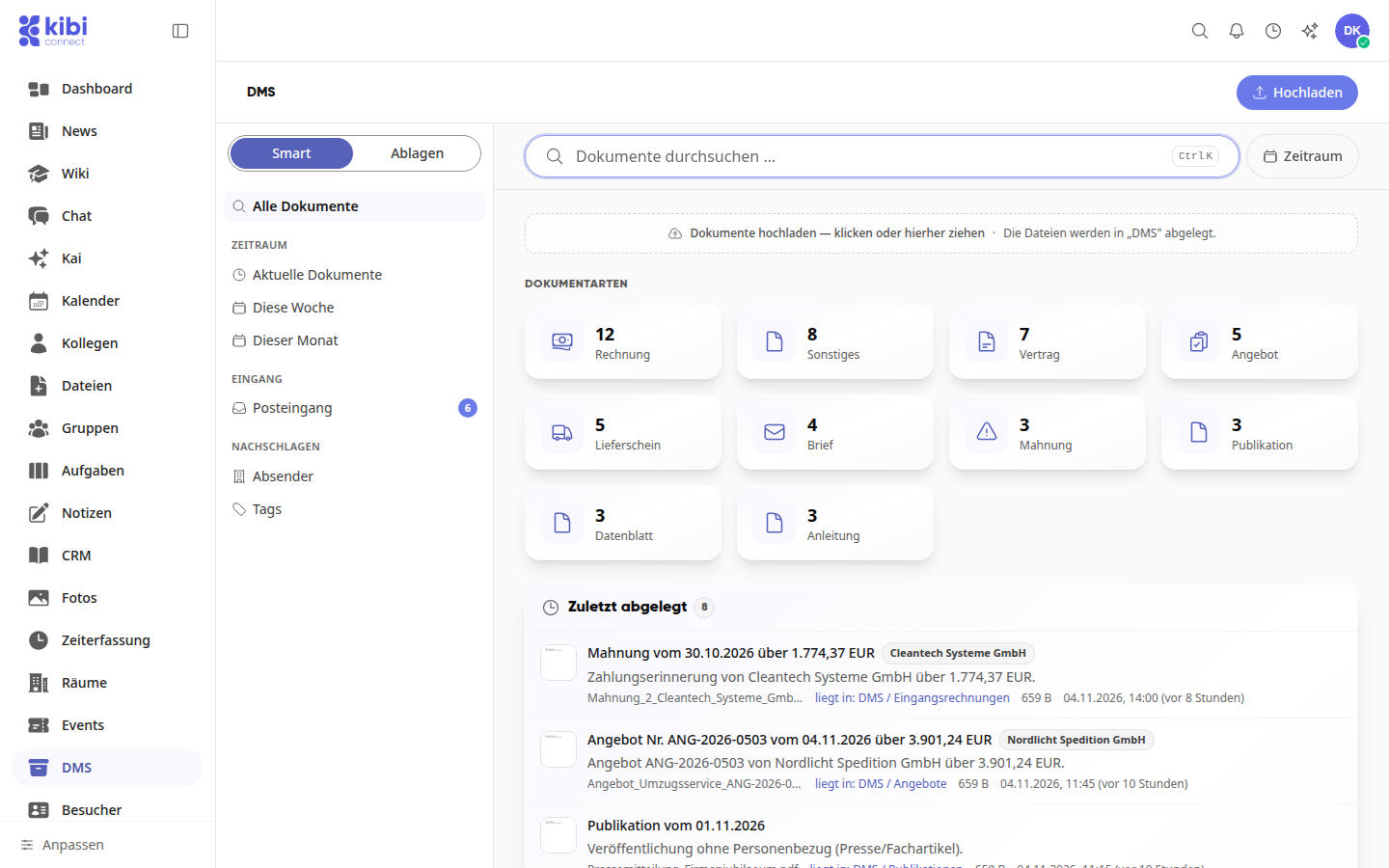
In the DMS (document management system), your team stores invoices, contracts, delivery notes, and other business documents in one place and can retrieve them via search, document type, sender, or time period. Employees search for, open, and comment on documents and store new ones. System administration sets up the storage structure, permissions, and deletion periods and checks the deletion log.
Instructions#
DMS
- How do I find and store documents in the DMS? In the DMS, you can quickly find invoices, contracts, and other business documents, view them directly, and file new documents in the appropriate folder.
- How do I set up folder structure, permissions, and deletion periods in the DMS? You define in which folders your team stores documents, who is allowed to read and store them, and how long they should be retained.
- How do I check the deletion log of the DMS? In the deletion log, you can see in an audit-proof manner which DMS documents have been permanently deleted, when, by whom, and for what reason.
- How do I set up the filing structure in the DMS? You define the folders in which your team stores documents in the DMS. You start with a suggestion or build the folders yourself and adjust the structure later.