
How do I read and confirm the terms of use and privacy notices?
Updated Reading time: 1 min
On this page
If your company has stored terms of use or privacy notices for the platform, you agree to them once. After that, you can read both texts again at any time.
Info
This applies to all employees. Which texts are available is determined by your company's administration. If they have not enabled any texts, you will neither see the prompt nor the entries in the menu.
Confirm legal texts#
Log in as usual. Before you can use the platform, the first text appears, for example, Terms of Use. Below it, you will see when it was last updated.
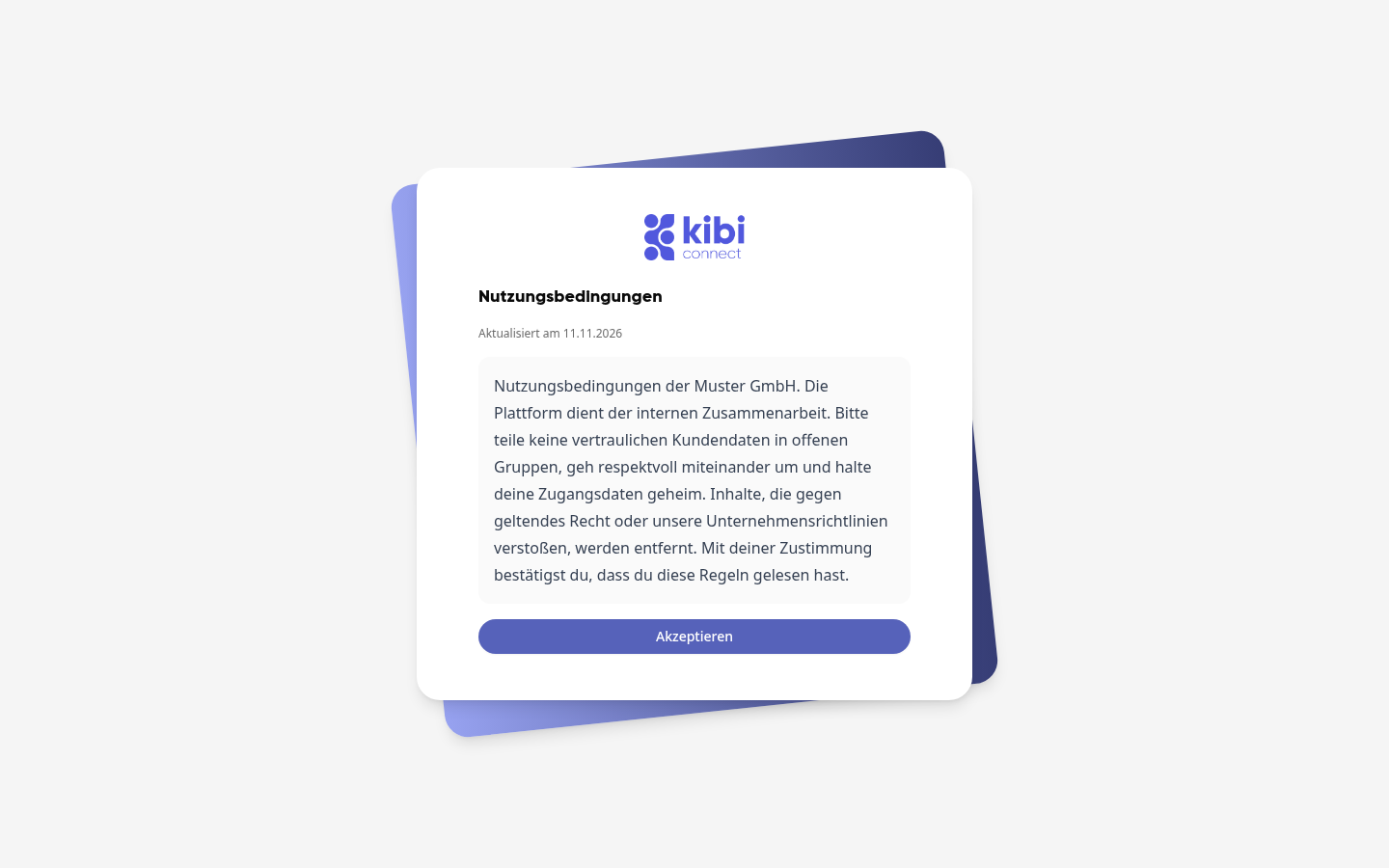
Read the text. If it is long, scroll down in the gray box.
Click Accept.
If there are also Privacy Notices, they will appear immediately afterward. Click Accept there as well.
After that, the platform will open as usual.
Wichtig
You cannot proceed without consent. If your company changes a text, the platform will ask again the next time it loads, and you will agree to the new version.
Read legal texts later#
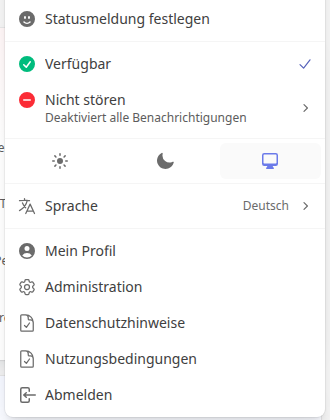
Click on your profile picture or initials in the top right corner.
Select Privacy Notices or Terms of Use.
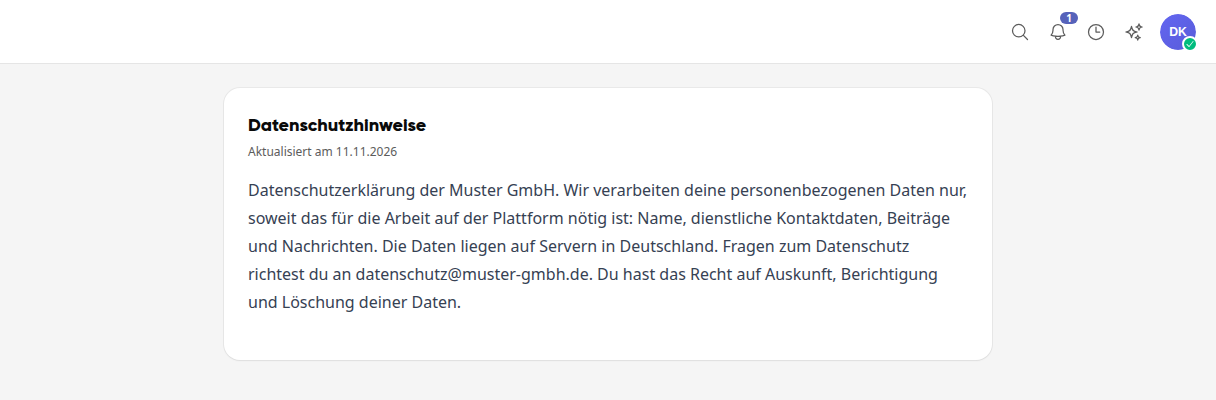
The text opens as a separate page, with the date of the last update.
Tipp
If there is a note on the page that the text seems incomplete, your company has only stored a placeholder. In this case, contact your company's administration.