
How do I research with Kai in company knowledge?
Updated Reading time: 2 min
On this page
With the agent Company Research, you can have Kai research a question in your company's knowledge base. Kai searches through wikis, files, and posts, and records the results with their sources in the conversation.
Info
This feature is available to everyone who is allowed to use Kai, except guests. Kai researches with your permissions and only finds content that you are allowed to see yourself.
Start a search from the agent library#
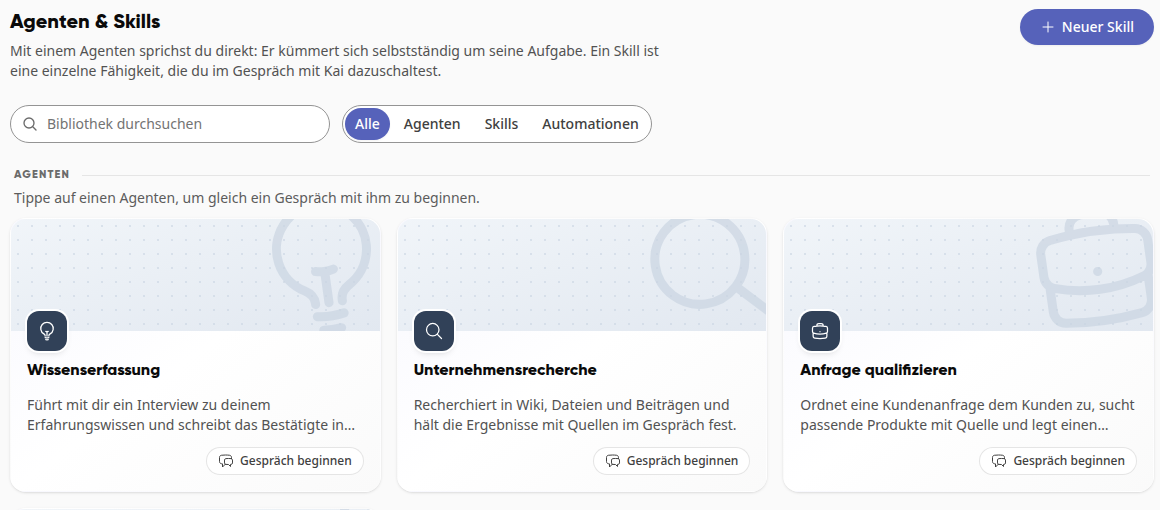
Open Kai in the navigation and switch to the Agents & Skills tab.
Under Agents, click on the Company research card or its Start conversation button.
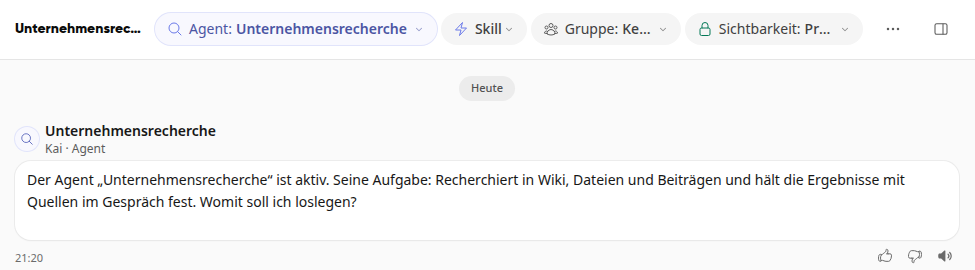
A new conversation opens. At the top it says Agent: Company research, and Kai asks what you want to get started with.
Describe what you want to know and send the message, for example: "What applies to us for business trips? Summarize the rules for travel expense reimbursement for me, including deadlines and where I submit what."
Tip
The more precisely you describe the goal and scope, the more targeted Kai's search will be. If your request is ambiguous, Kai will ask first.
Selecting agents in an ongoing conversation#
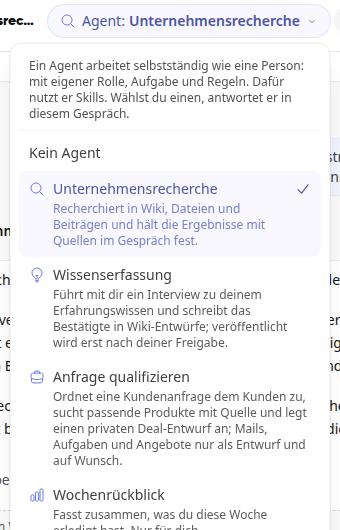
In a conversation, click on Agent at the top.
Select Company Research. From then on, Kai will respond in this conversation as a research agent. Use No Agent to disable him again.
What the research delivers#
Kai concludes with a report in your language and cites the sources on which important statements are based.
Kai separates verified results from open questions and contradictions, and tells you when he has not found a source for something.
Kai only searches within your own content. He does not search the internet, does not query any connected third-party systems, and does not change anything: he does not create tasks or edit files.
The conversation is private like any Kai conversation. The report and sources remain there until you share them yourself.