
How do I log in with a registration link?
Updated Reading time: 2 min
With a sign-in link, you can log in without a password: You will receive an email and can either sign in via the link in it or enter the code from the email on the sign-in page.
Request login link#
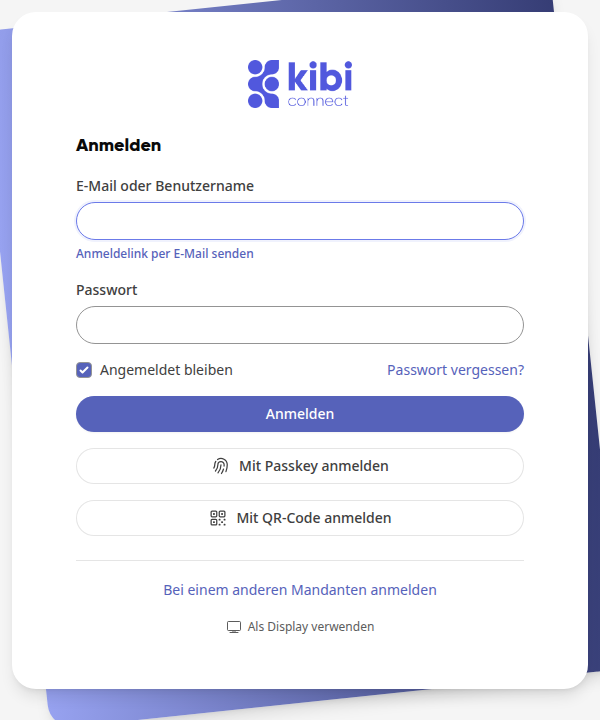
Open the login page of your platform.
Below the Email or username field, click on Send login link by email.
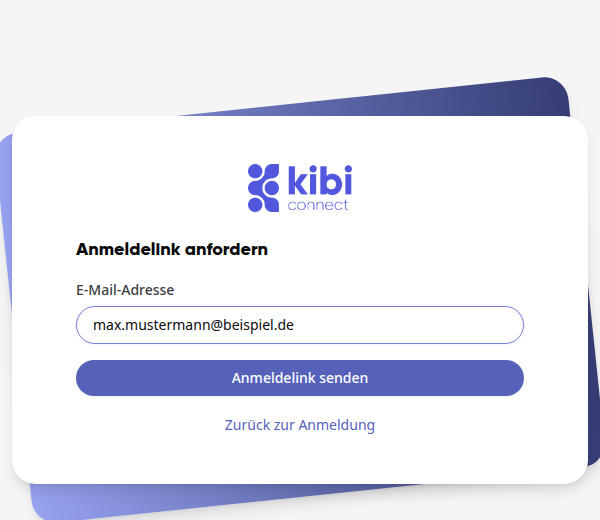
Under Email address, enter the address of your account and click on Send login link.
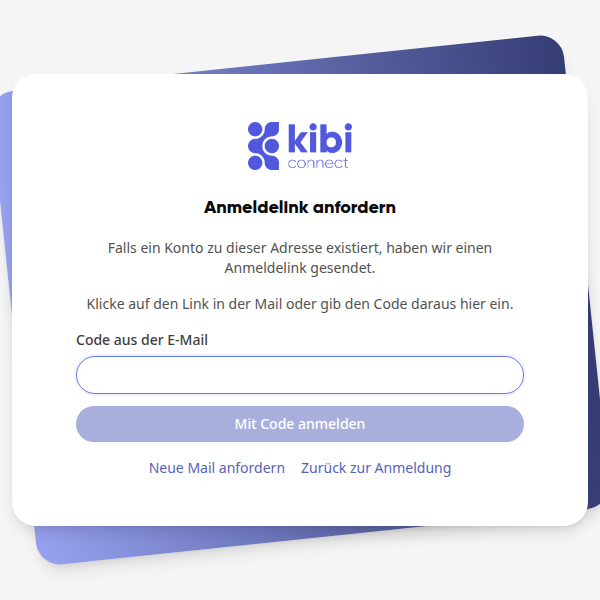
You will see the message If an account exists for this address, we have sent a login link. and below it the field Code from the email. Leave this page open if you want to use the code.
Tip
If your email address is already in the Email or username field, Send login link by email will send the email immediately. You will then land directly on the page with the Code from the email field.
Sign in with the link#
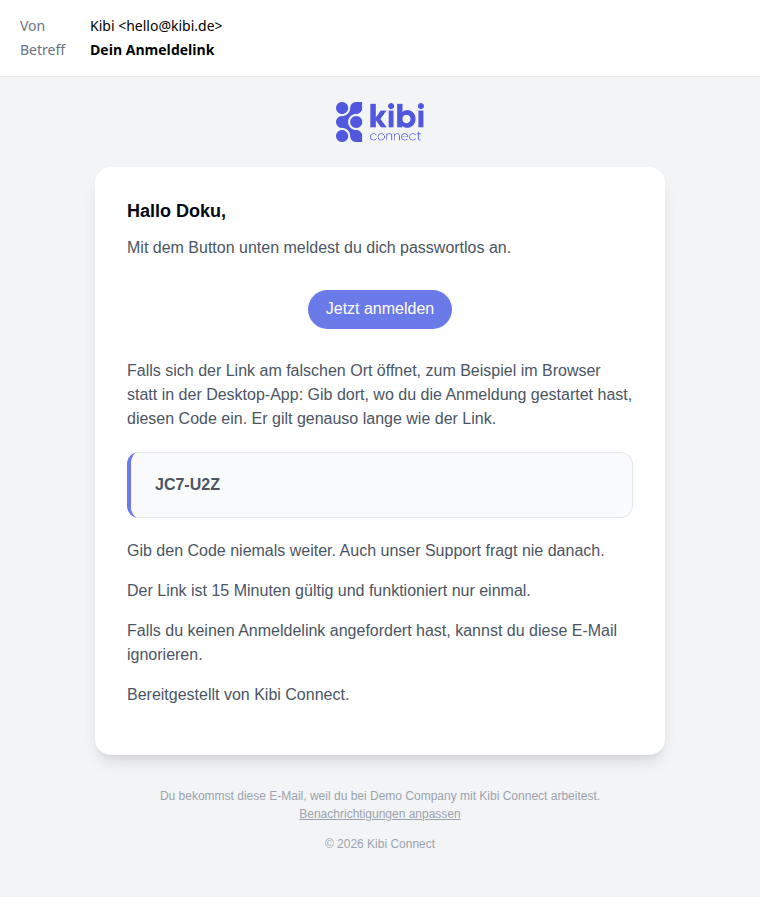
Open the email with the subject Your sign-in link and click on Sign in now.
On the page that opens, the account address is partially hidden. Check it and click on Sign in.
After that, you are signed in and will see your home page.
Sign in with the code#
You need the code if the link opens in the wrong place, for example in the browser instead of the desktop app, or if you are reading the email on a different device.
Go back to the page where you requested the email.
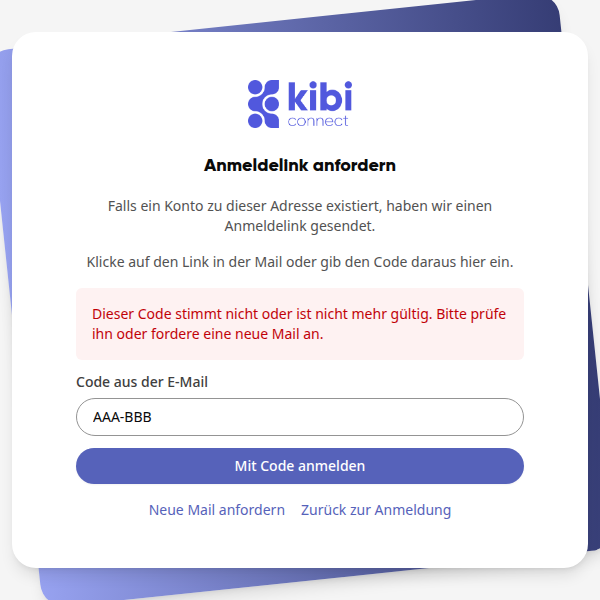
Enter the code from the email under Code from the email. Capitalization and the hyphen do not matter.
Click on Sign in with code. After that, you will be signed in and see your home page.
If the code is incorrect, the message This code is incorrect or no longer valid. Please check it or request a new email. appears. You can get a new email via Request new email and then Send sign-in link.
Warnung
Never share the code. Our support team will never ask for it either.
Good to know#
The link and code are valid for 15 minutes and can only be used once: If you log in with either one, the other is also used up. For the next login, you need to request a new email.
After three incorrect entries, the code is no longer valid. The link from the email will still work.
If you request a new email, only the code from the latest email is valid.
If your email does not contain a code, you can log in using the link.
The message after requesting is always the same, even if there is no account associated with the address.
If you did not request a link, you can ignore the email.