
Rooms
Updated Reading time: 1 min
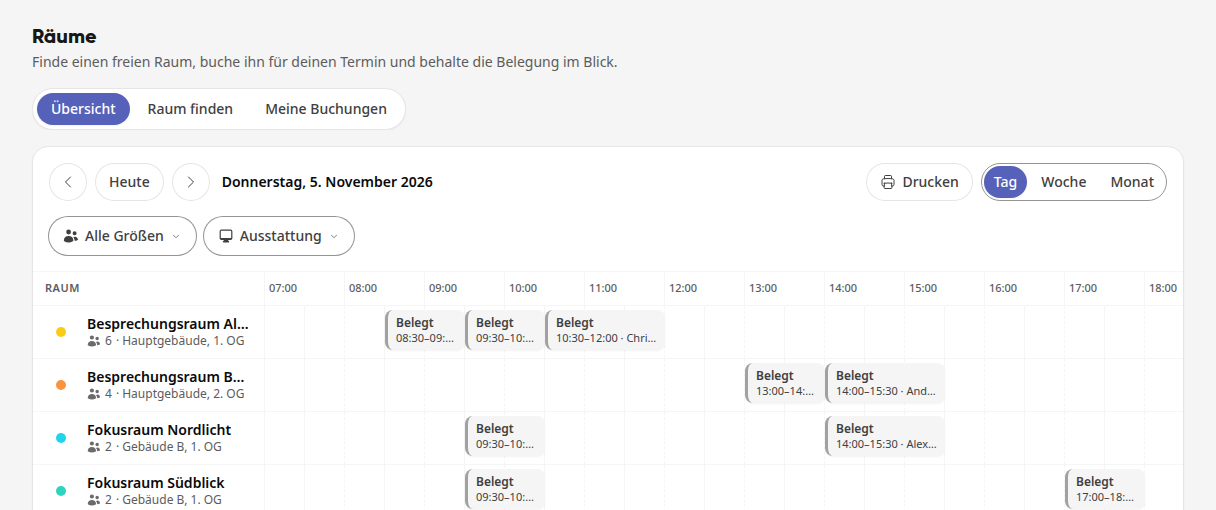
In the Rooms module, you can find available meeting rooms, book them for your appointments, and keep track of their occupancy. All employees can make bookings, while HR and system administration create the rooms, define the rules, and set up buildings with their floor plans.
Instructions#
Rooms
- How do I book a room for an appointment? You can directly reserve a room for an appointment, such as a meeting room. When creating or editing an appointment, you can see which rooms are available at…
- How do I find a free room and see my bookings? You are looking for a suitable room for a specific period, booking it directly, and seeing all your room bookings at a glance.
- How do I manage rooms? You create the rooms for your company, determine when and by whom they can be booked, and release them for external parties if needed. Rooms such as a wareho…
- How do I set up buildings and floor plans? You create your buildings with their floors, upload the floor plan for each floor, and draw the areas on it: rooms, corridors, kitchens, or the reception. Wi…