
How do I open an installed application?
Updated Reading time: 1 min
On this page
Installed applications are web applications that your administration has integrated into Kibi Connect from the module catalog, for example a site map of the company premises. You open them like any other module and work within them without leaving the platform.
Info
You will see an installed application as soon as your role is permitted to open it. Which applications exist and what they are called is determined by your company. The site map in the images is an example.
Open the application via the menu#
Click on the name of the application in the menu on the left, for example Site plan.
The application opens in the content area, the menu remains visible next to it.
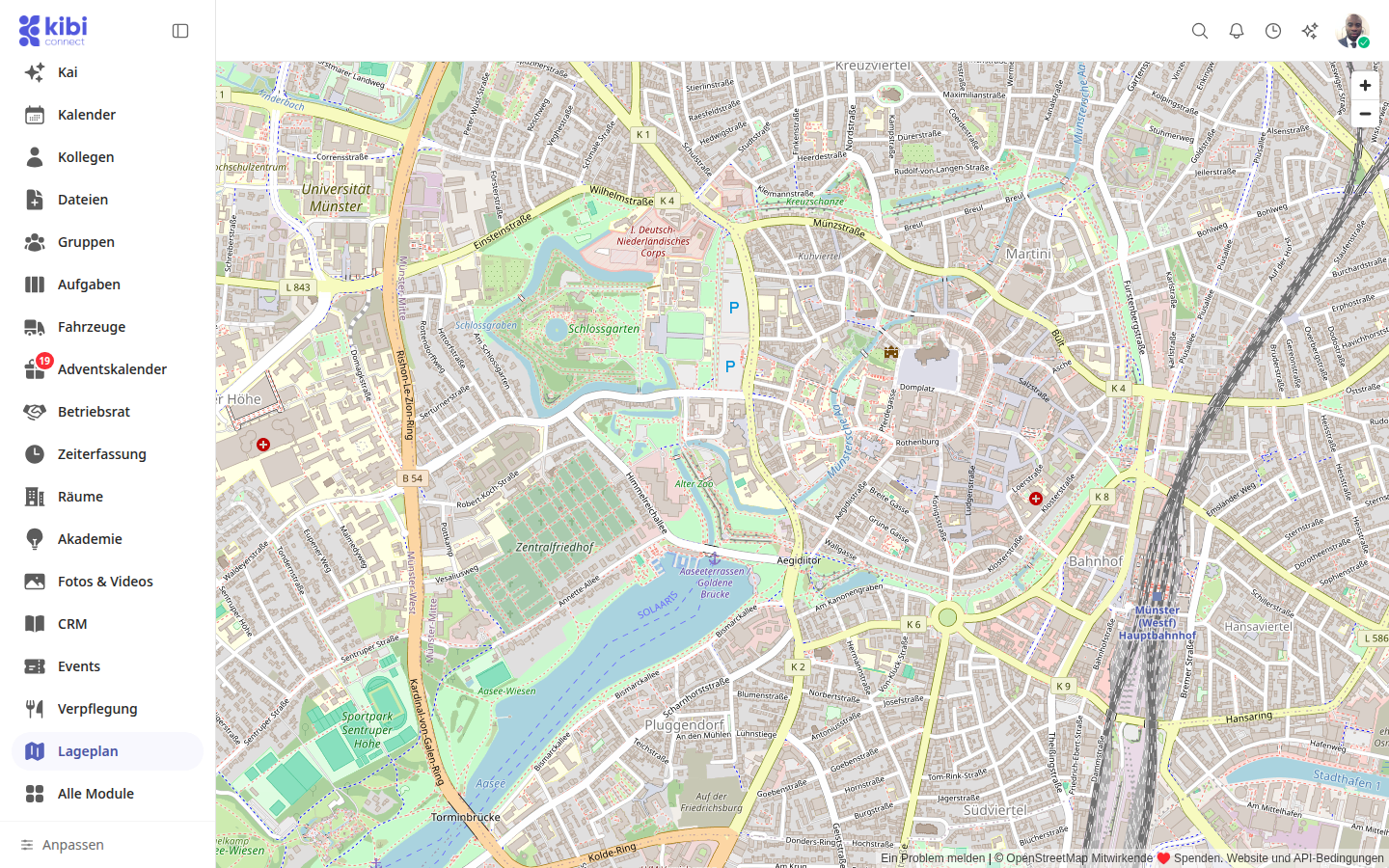
Open the application via "All modules"#
If the application is not in your menu, you can find it in the overview of all modules.
Click on All modules in the menu on the left.
Scroll to the More section.
Click on the application's tile.
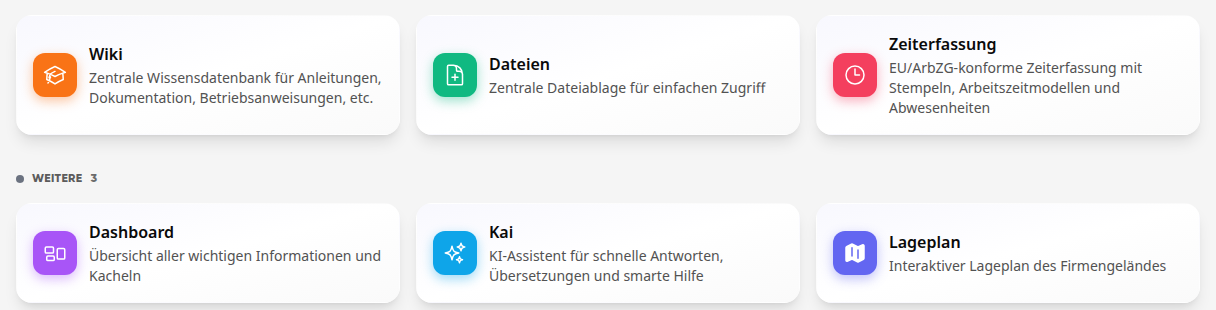
Tip
If you see the message This page is not available instead of the application, the application is not enabled for your role or has been deactivated. In that case, contact your administration.
Who may open an application#
Whether a role may open an installed application is determined by the administration in the role editor: Administration, Roles & Permissions, then the role. Each installed application has its own line there with the note Installed application. If it is set to View, everyone with this role may open the application; with No access, it disappears from their menu.

Important
A newly installed application is initially released for all roles that exist at that time. Roles created later do not receive it automatically. Guests can never open installed applications.