
How do I reset my password?
Updated Reading time: 1 min
On this page
If you have forgotten your password, request a link via email on the login page and set a new password.
Request a reset link#
Open your platform's login page and click on Forgot password?.
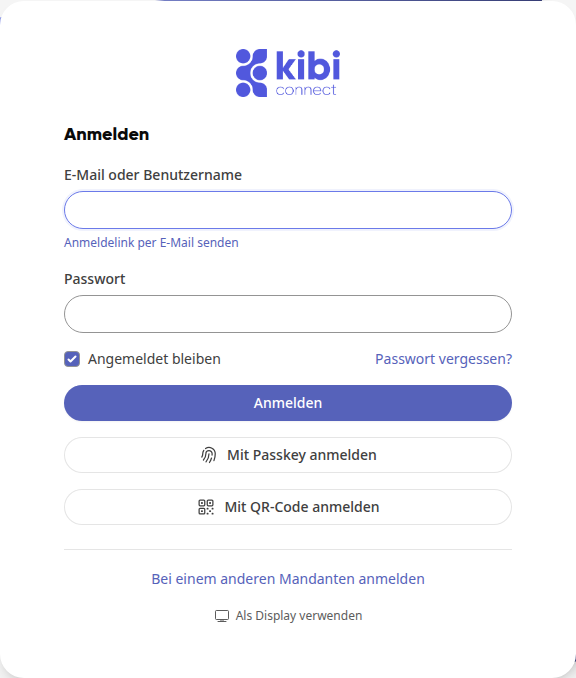
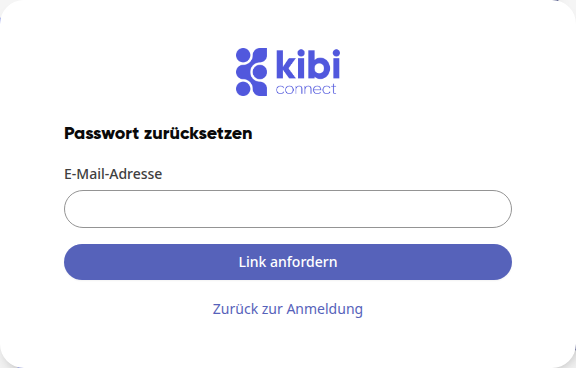
Enter your account's email address under Email address and click on Request link.
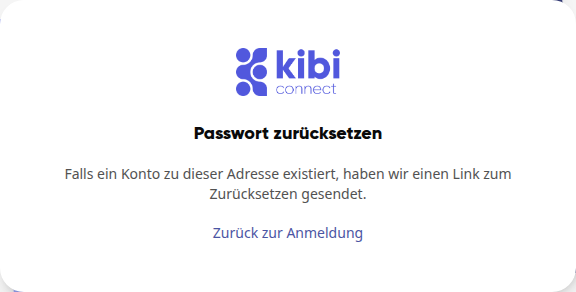
You will see the message If an account exists for this address, we have sent a reset link.
Info
The message is always the same, even if there is no account for that address. If no email arrives, check your spam folder and verify that you entered your account's email address.
Set a new password#
Open the email with the subject Reset password and click on Set new password.
Enter your new password under Password and Confirm password.
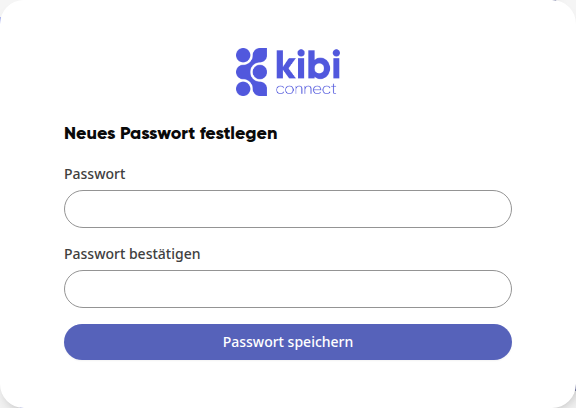
Click on Save password. You will return to the login page and see the message Your password has been changed. You can now log in with your new password.
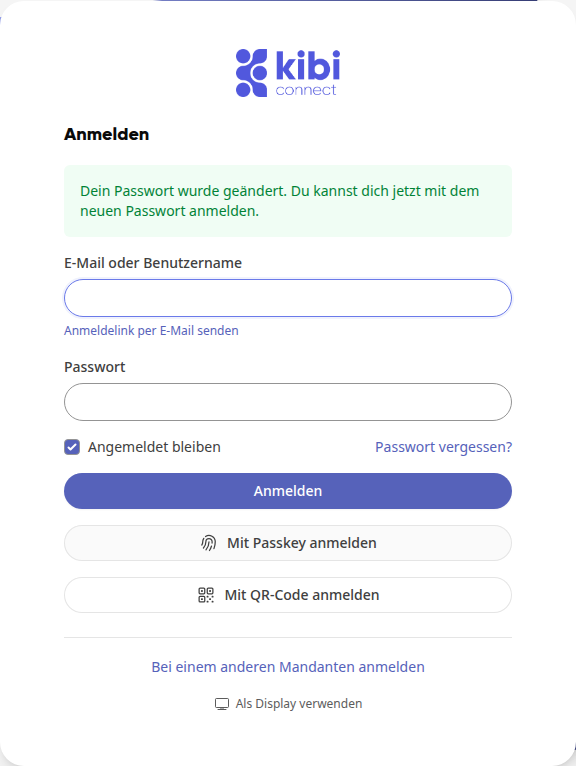
Log in with your new password.
Wichtig
Your new password must be at least 12 characters long and include uppercase and lowercase letters, a number, and a special character.
Warnung
Once you have saved the new password, you will be logged out on your other devices and must log in again there.
Good to know#
-
The link is valid for 60 minutes and can only be used once. If the form indicates that the token is invalid, request a new link via Forgot password?.
-
If you did not request the email, you can ignore it. Your current password will remain unchanged.