
How do I open my own module?
Updated Reading time: 1 min
On this page
Custom modules are applications that your company has built itself for the platform. You open them like any other module and work directly in Kibi Connect.
Info
You will see a custom module as soon as the administration has enabled your role for it. Which modules exist and what they are called is determined by your company. The idea box in the images is an example.
Open module via the menu#
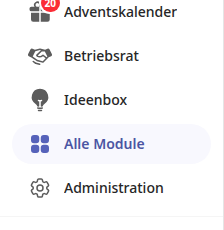
Click on the module's name in the left menu, for example Idea Box.
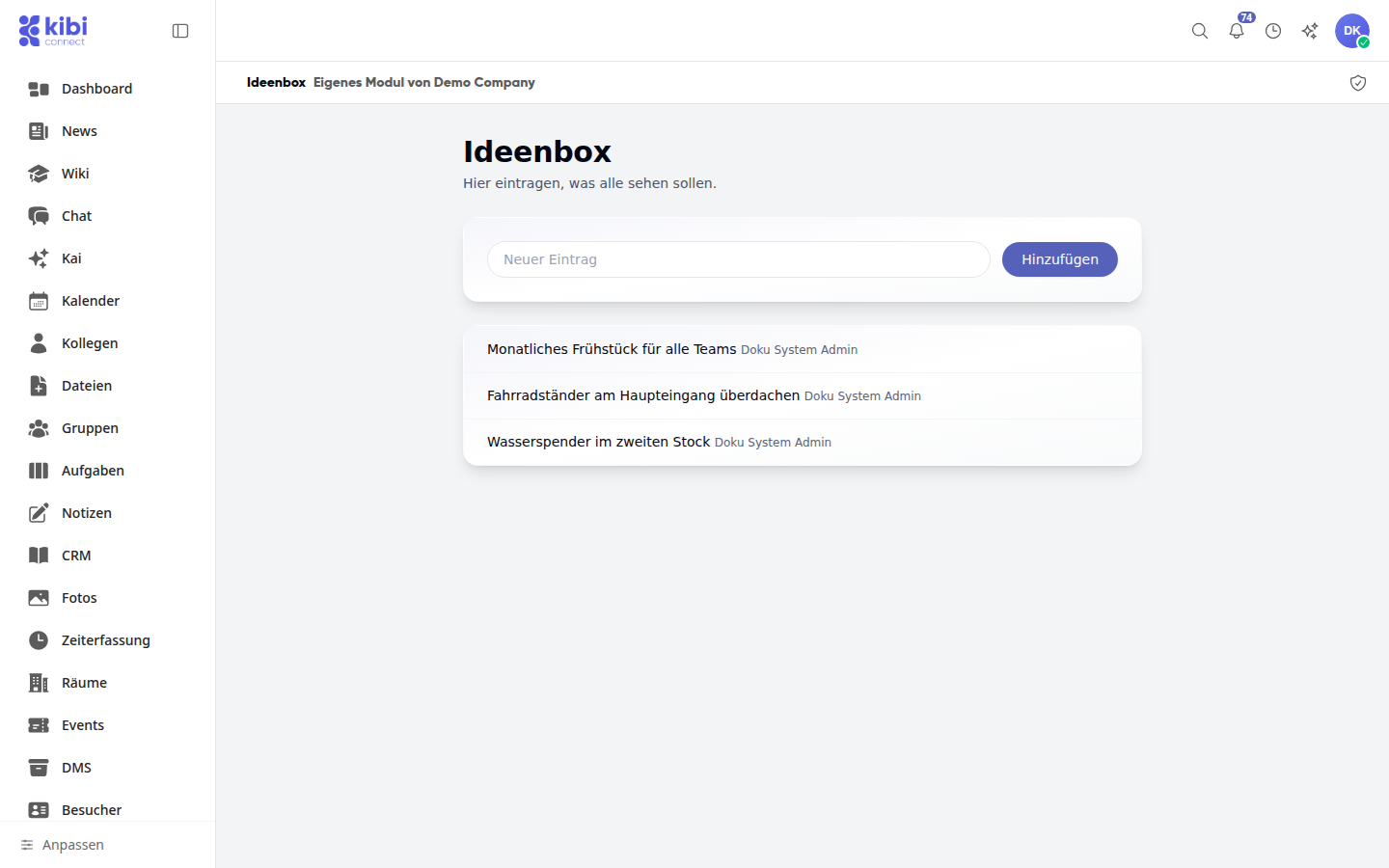
The module opens in the content area. The line above it shows its name and origin, for example Custom Module by Demo Company.
Open module via "All Modules"#
If the module is not in your menu, you will find it in the overview of all modules.
Click on All Modules in the left menu.
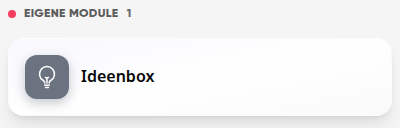
Scroll to the Custom Modules section.
Click on the module's tile.
Check origin and stored data#
Open the module.
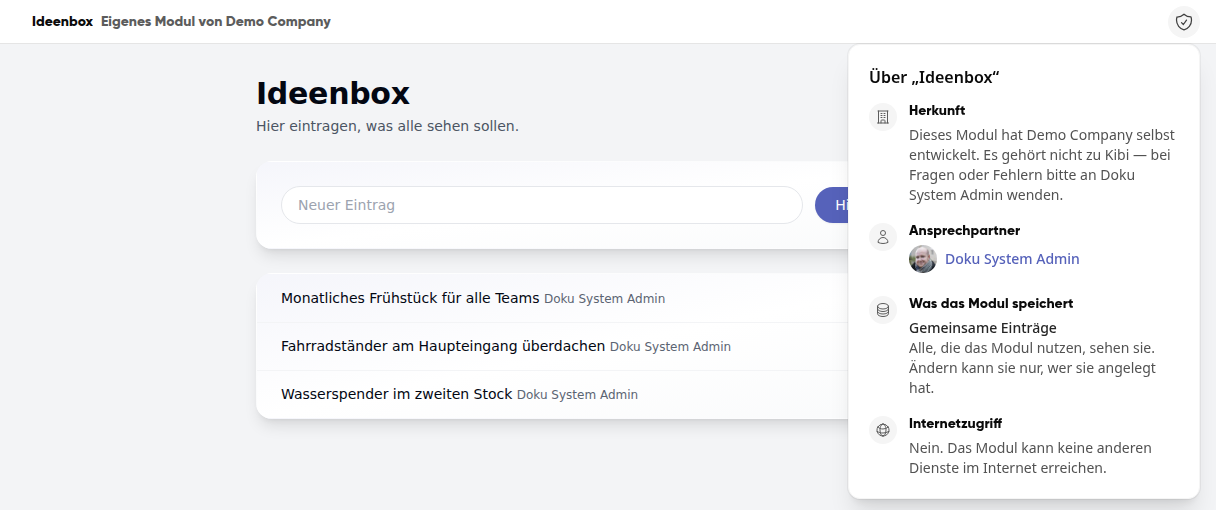
Click on the shield icon in the top right of the line above the module. You will see where the module comes from and who to contact if you have questions. It also states what the module stores and whether it can access other services on the internet.
Tipp
Custom modules are not part of Kibi. If you have questions or encounter errors, the person listed as the contact can help you.
If the module cannot be opened#
If you access a module via a link that has not been enabled for you, This page is not available will appear. This also applies to an incorrect address. In both cases, contact your company's administration.